22 Native multi-party approval
Multi-party approval puts a second admin between a sensitive setting and its change: the edit lands in a request queue and does nothing until a second authorized admin approves it. You choose which settings are protected via per-setting checkboxes, covering what an attacker with a stolen super-admin session reaches for first — 2-Step Verification, account recovery, Advanced Protection, Google session control, login challenges and passwordless — plus domain-wide delegation, SSO with third-party IdP, Context-Aware Access, domain settings, Calendar, Groups sharing and Vault export creation. It is the tenant's structural answer to a single compromised super admin.
Documentation: Multi-party approval for sensitive actions ↗
Caveats
Setup steps
- open ↗
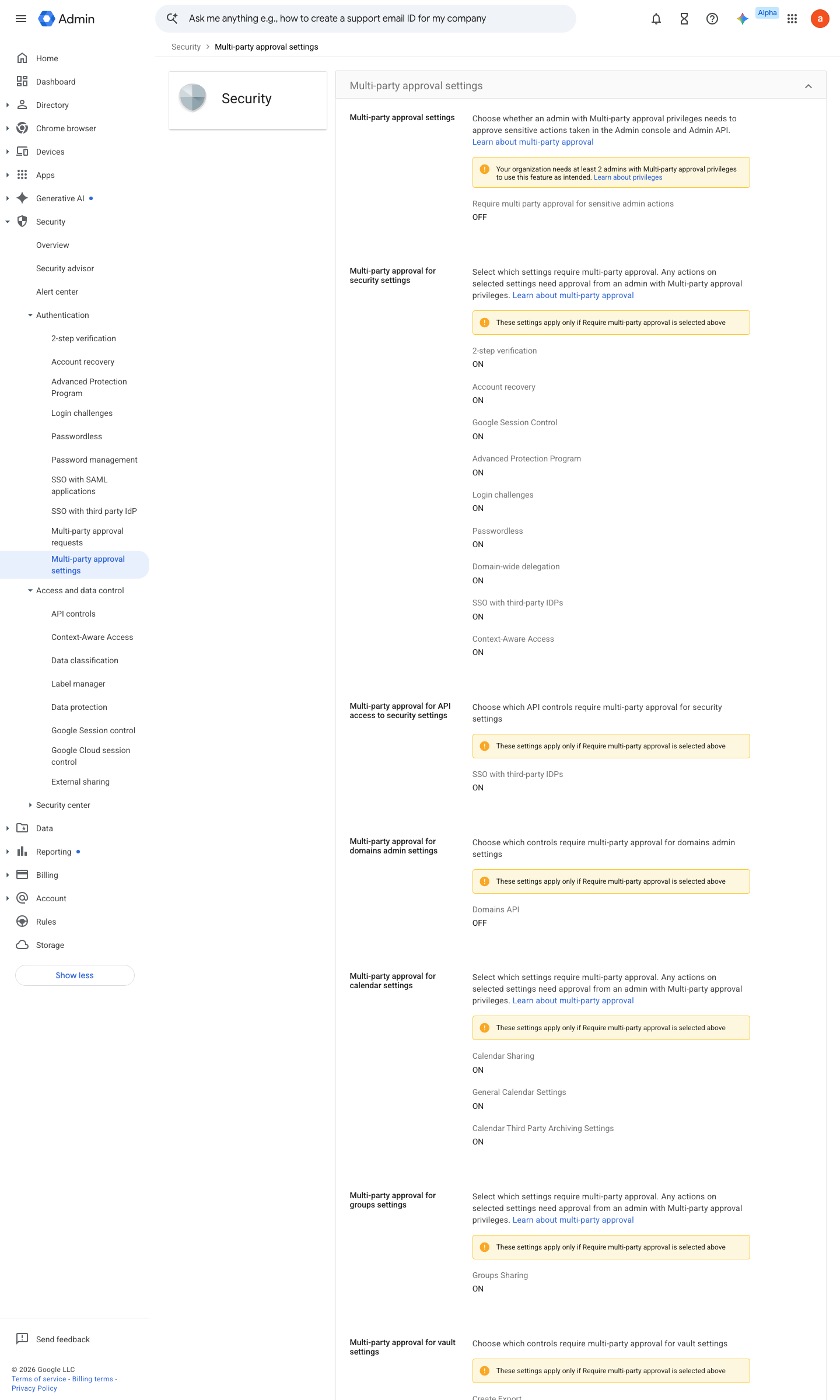
https://admin.google.com/ac/managedsettings/352555445522/multipartyapprovalsettings · captured 2026-07-15
Security › Authentication › Multi-party approval settings- Require multi-party approval for sensitive actions
checked, then Save
-
Security › Authentication › Multi-party approval settingsProtected settings (per-setting checkboxes): 2SV, account recovery, Advanced Protection, Google session control, login challenges, passwordless, domain-wide delegation, third-party IdP SSO, Context-Aware Access, domain settings, Calendar, Groups sharing, Vault exports
- open ↗
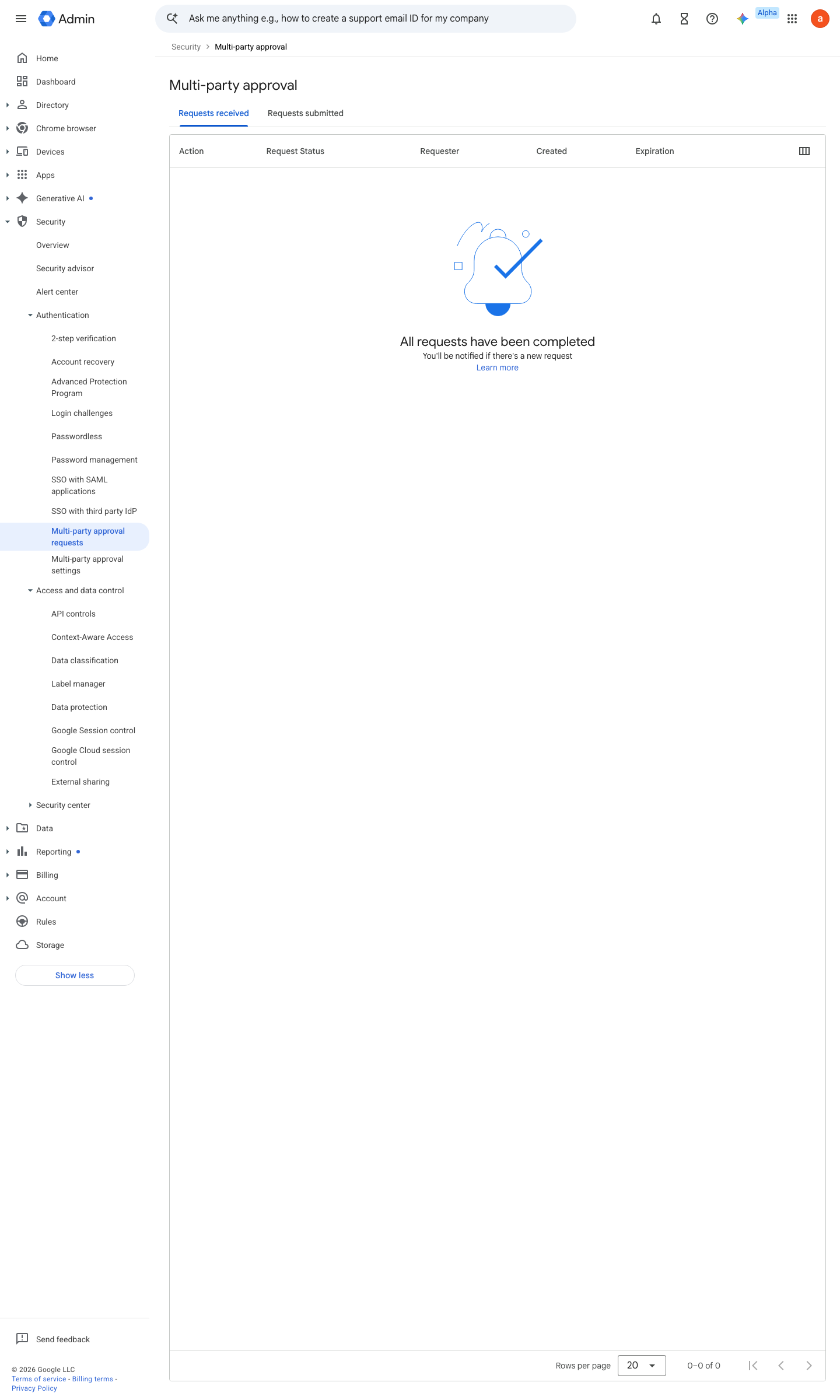
https://admin.google.com/ac/list/security/mpa · captured 2026-07-15
Security › Authentication › Multi-party approval requestsPending request visible; approve/reject from a different admin with the relevant privilege or the MPA review privilege (2SV, account recovery, domain-wide delegation and third-party IdP SSO changes require a super admin)
How to verify
With one super admin, attempt a protected action (e.g. change a 2SV setting) — the console must park it pending a second admin’s approval rather than applying it.
v0.1.3Preventedition Ent Std+ / Edu Std+ / Ent Ess Plus policy #32 · #4 ↗