40 Scripted JIT admin elevation
Standing admin privilege is privilege an attacker can steal at any moment. JIT elevation strips the standing grant and hands the role out on request from a script that starts a timer and revokes unconditionally when it fires — a Directory API role assignment plus an Apps Script trigger or GAM under cron. What is handed out is a narrow custom role, never Super Admin, and any role assignment that did not come from the JIT service account is itself an alert.
Documentation: Manage roles ↗
Caveats
Setup steps
- open ↗
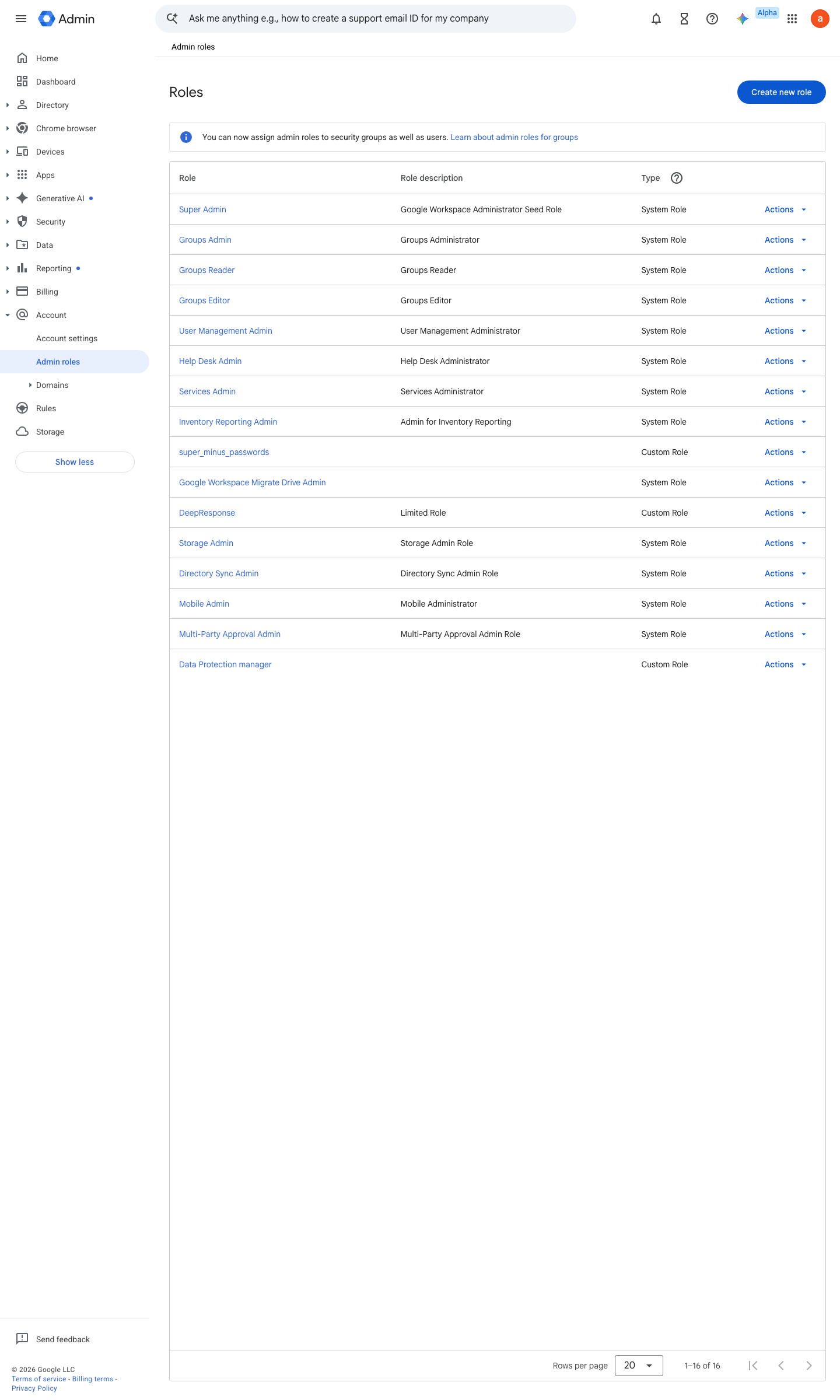
https://admin.google.com/ac/list/roles · captured 2026-07-15
Account › Admin rolesCustom role, e.g. 'JIT-UserMgmt' with Users > Update + Read only
- open ↗
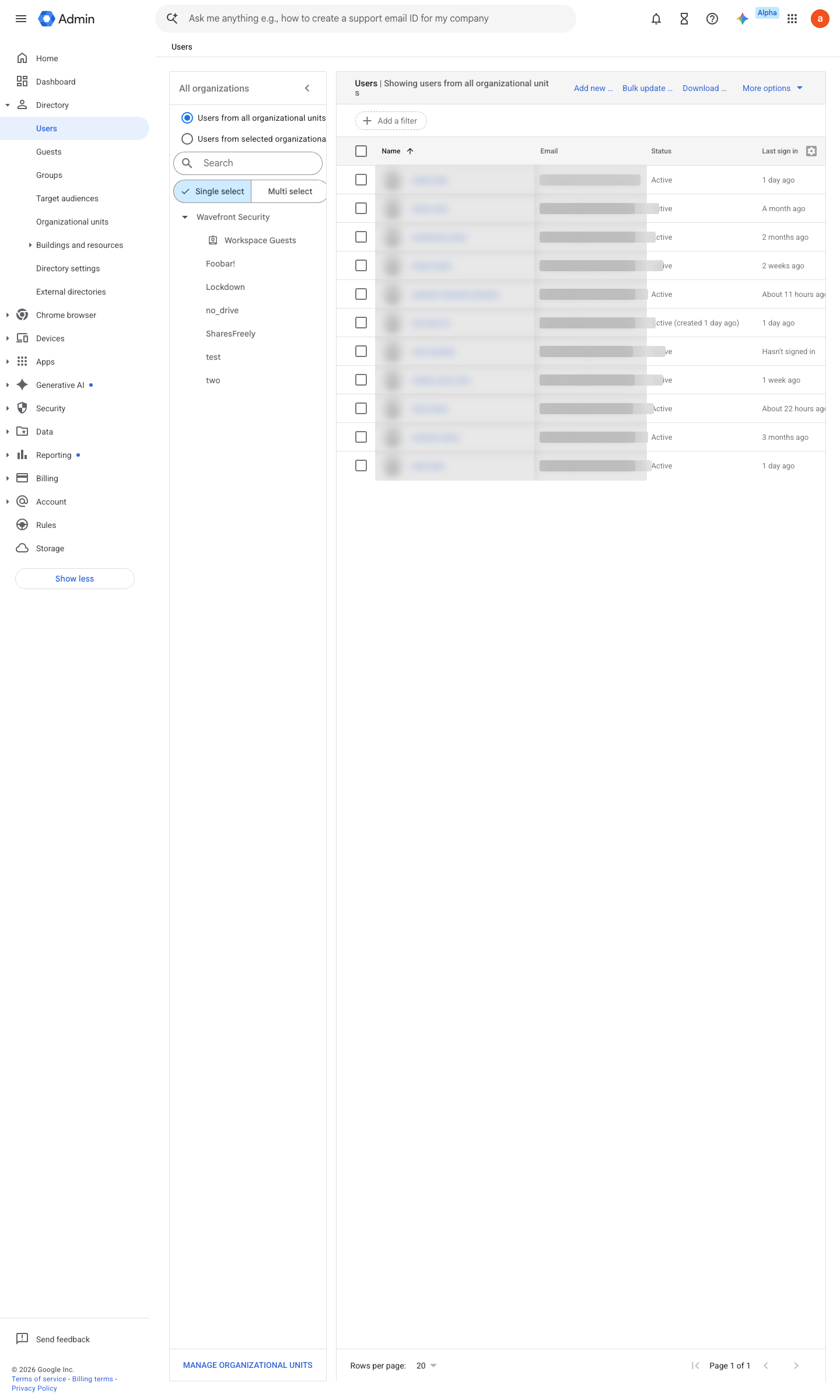
https://admin.google.com/ac/users · captured 2026-07-15
gam print admins user <admin> # note the roleAssignmentId gam delete admin <roleAssignmentId> -
Directory API roleAssignments.insert → sleep(TTL) → roleAssignments.delete; TTL = 60 min, started only once the grant is confirmed active — a new role typically applies within minutes but can take up to 24 hours
-
on revoke failure → page the security mailbox
- open ↗
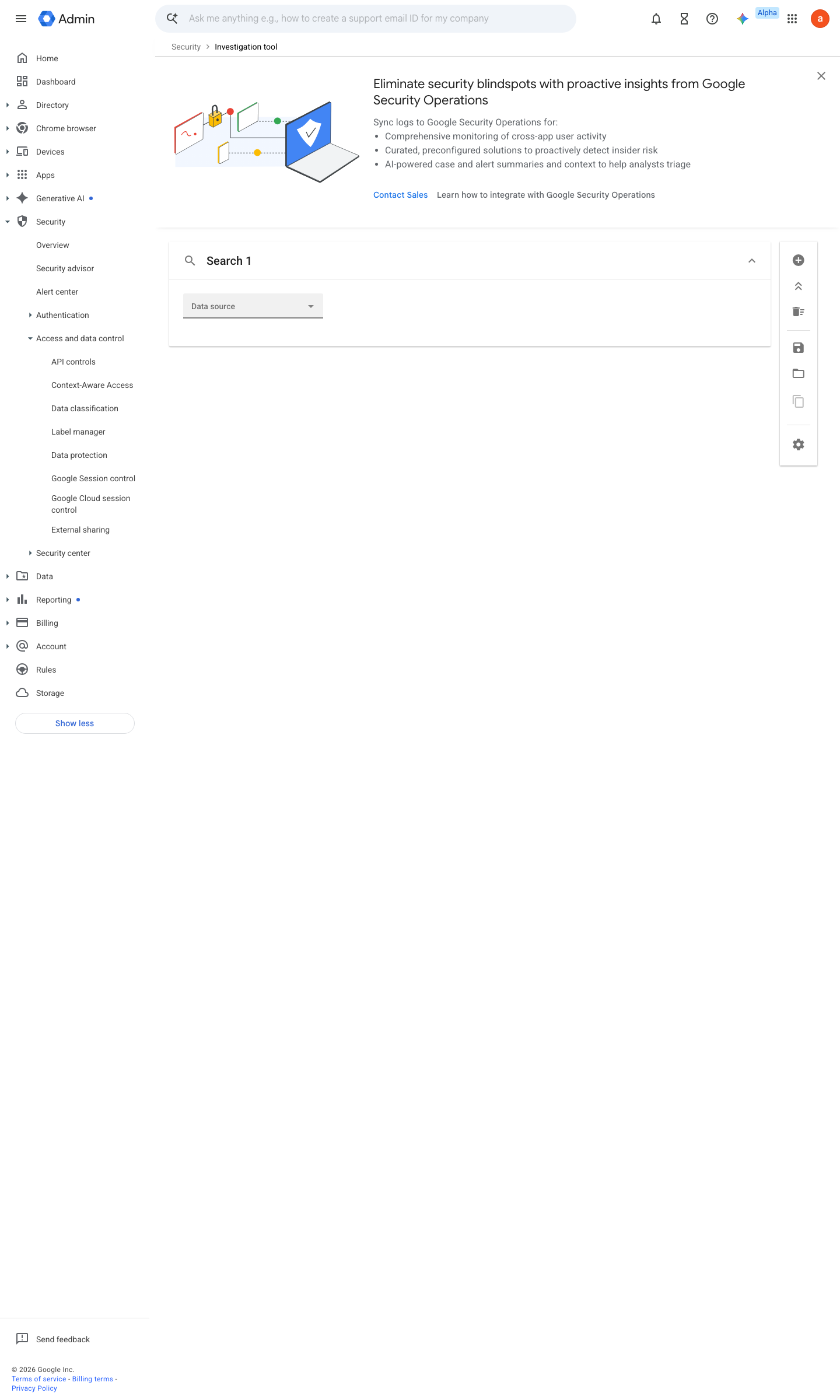
https://admin.google.com/ac/sc/investigation · captured 2026-07-15
Reporting › Audit and investigation › Admin log eventsFilter: Event = Assign role; Actor ≠ jit-service-account (advanced/negative filter conditions in activity rules need Enterprise Standard+, Education Plus, Frontline Plus, Cloud Identity Premium or Chrome Enterprise Premium)
Ongoing maintenance
- automatable: AI agent Weekly: review the elevation log — every grant should map to a ticket.
- requires a human Quarterly: drill the elevation script end to end so it still works when needed.
How to verify
Confirm no standing grants beyond the floor, then run one elevation cycle end to end (grant, use, auto-revoke) as a drill.
gam print admins
v0.1.3Prevent policy #29 · #4, #32 ↗