32 Groups for Business exposure lockdown
A Google group is both a mailing list and an access principal: whatever a group can reach, every member of it can reach. This control sets the org-wide posture to Private — archives not readable outside the organisation, no external members, no inbound external mail by default — restricts group creation to admins, and audits existing groups for the two dangerous states: anyone-on-the-web access, and external members on a group that grants Drive or shared-drive access.
Documentation: Options for limiting group access & activity ↗
Caveats
- The org-wide screen sets defaults and ceilings, not the state of the groups you already have1
- A group with open membership that is also an ACL on a shared drive is a public share with extra steps2
- Turning off the org-wide ‘Group owners can allow incoming email from outside the organization’…3
- Multi-party approval can hold this change hostage4
Setup steps
- open ↗
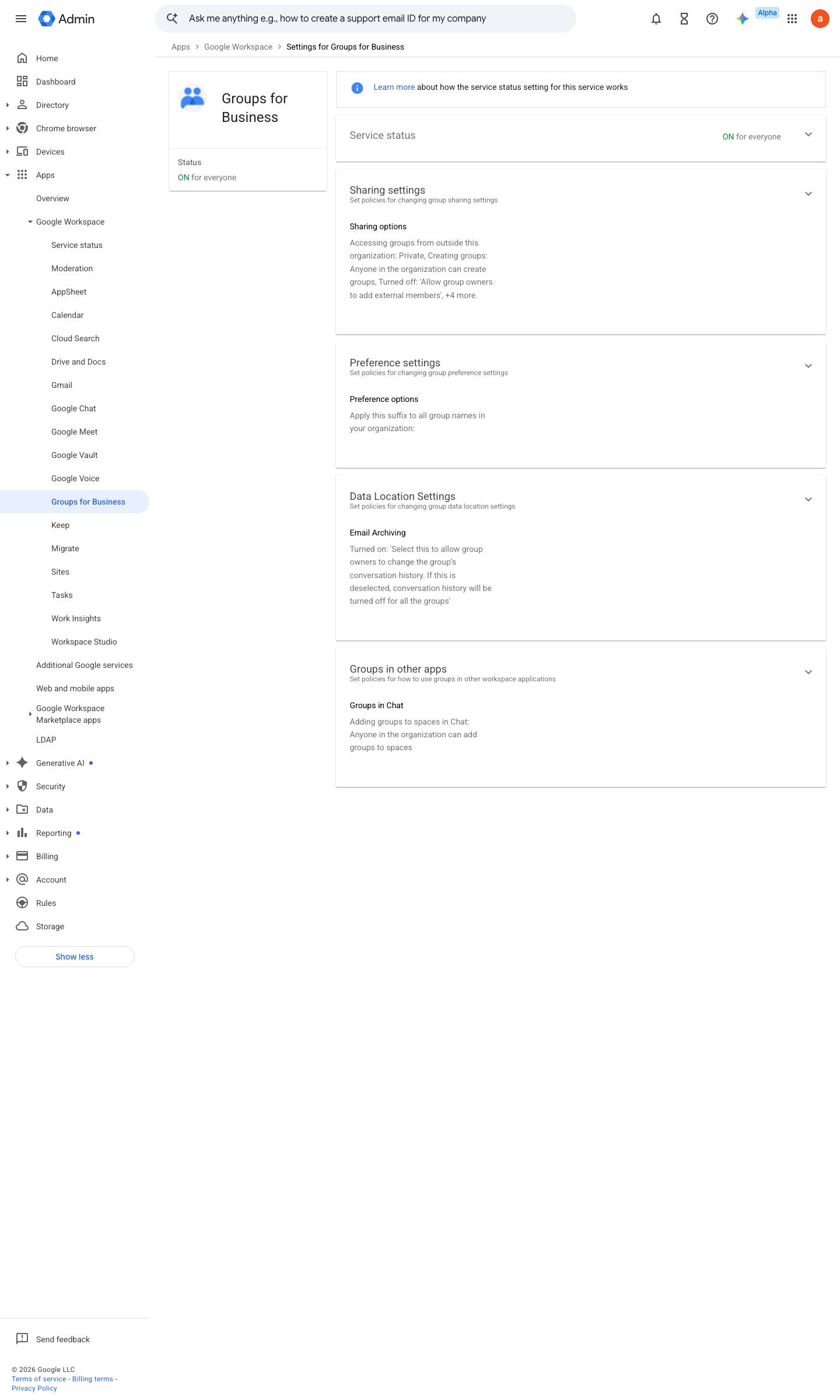
https://admin.google.com/ac/managedsettings/864450622151 · captured 2026-07-15
Apps › Google Workspace › Groups for Business › Sharing settings'Accessing groups from outside this organization' = Private; 'Group owners can allow external members' = Off; 'Group owners can allow incoming email from outside the organization' = Off (leave On only if named support aliases need per-group external mail)
-
Apps › Google Workspace › Groups for Business › Sharing settings- Creating groups
Only organization admins can create groups- Default for permission to view conversations
All group members
- open ↗
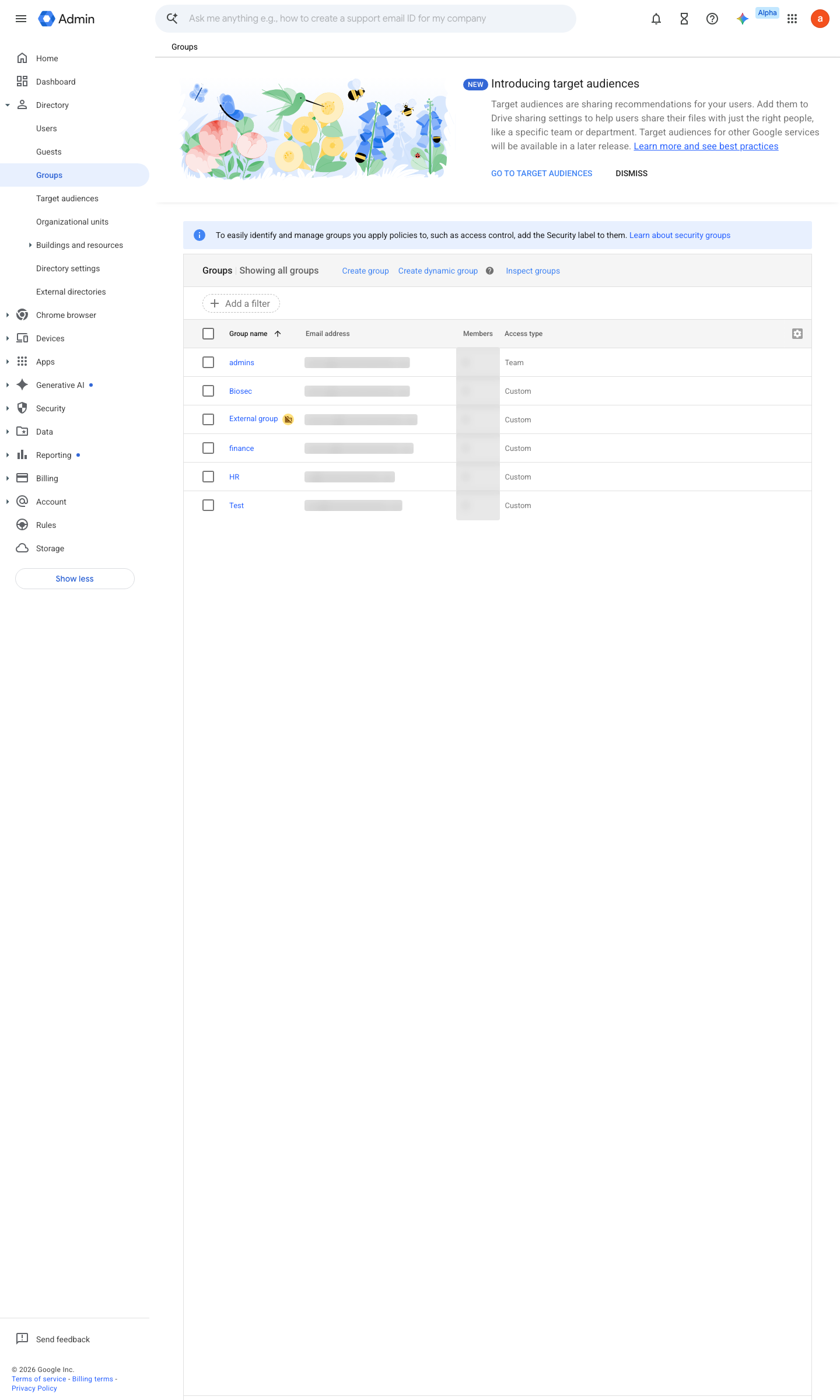
https://admin.google.com/ac/groups · captured 2026-07-15
Directory › Groups- Per group: Who can join
Only invited users- Who can view conversations
Group members- Who can post
Group members
-
- Groups used for access control
admin-managed membership only
Ongoing maintenance
- automatable: script Monthly: check newly created groups against the exposure baseline.
How to verify
Fetch a group archive logged out — it must refuse.
curl -s -o /dev/null -w "%{http_code}" "https://groups.google.com/a/<domain>/g/<group>" # expect 302/403, not 200
v0.0.3Prevent policy #4 · #15 ↗