1 Enforce 2-Step Verification
Requires a second factor beyond the password for every sign-in. Two separate settings are involved: allowing users to enrol, and enforcement — which is the one that actually refuses a password-only sign-in. Restricting the accepted methods removes text-message and phone-call codes, the factors a SIM-swap or an interception attack defeats. This is the largest single defence against phished, reused and stuffed credentials.
Documentation: Protect your business with 2-Step Verification ↗
Caveats
Setup steps
- open ↗
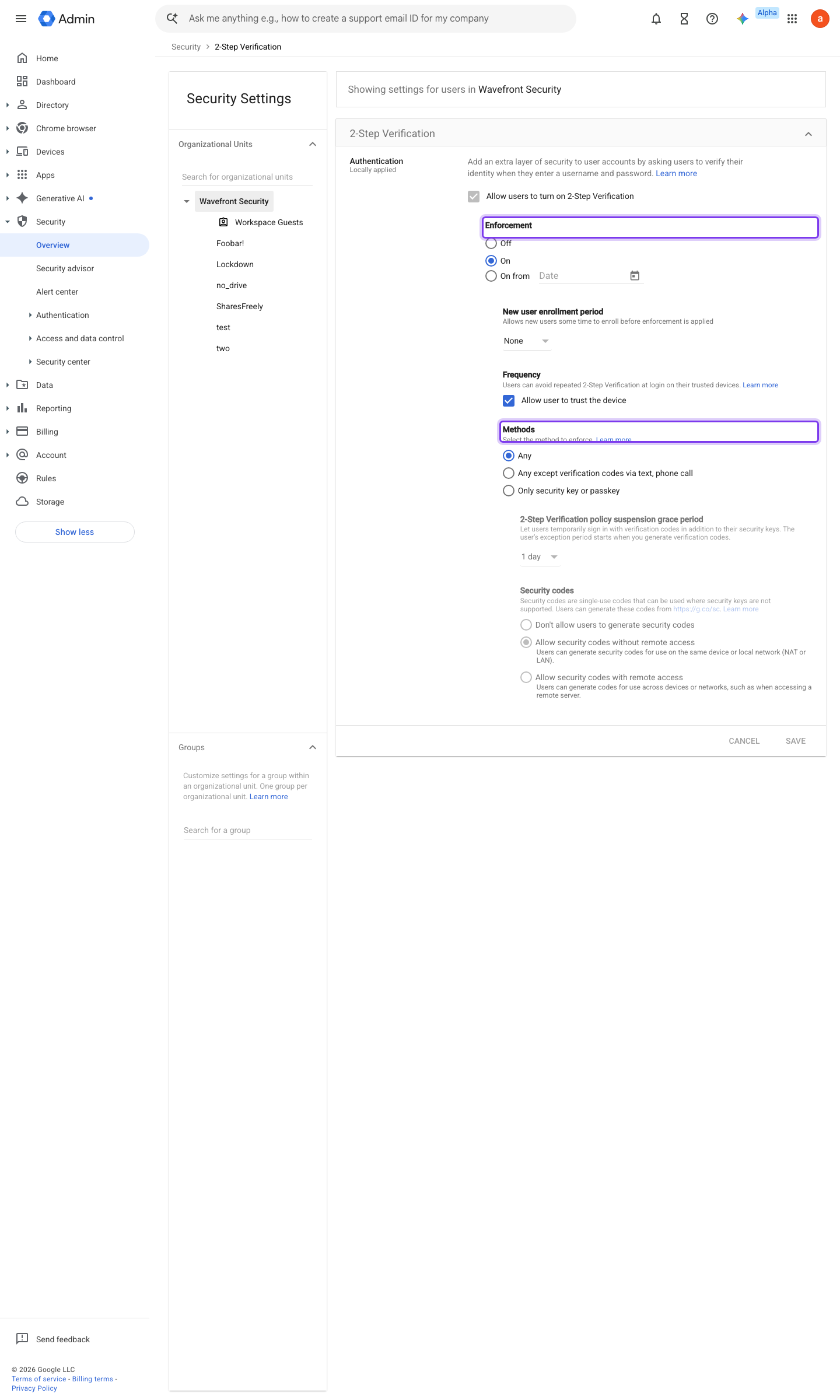
https://admin.google.com/ac/security/2sv · captured 2026-07-15
Security › Authentication › 2-Step Verification- Allow users to turn on 2-Step Verification
On
-
Security › Authentication › 2-Step Verification- Enforcement
On (optionally 'Turn on enforcement from date' with a new-user enrolment period)
-
Security › Authentication › 2-Step Verification- Methods
Any except verification codes via text, phone call
- open ↗
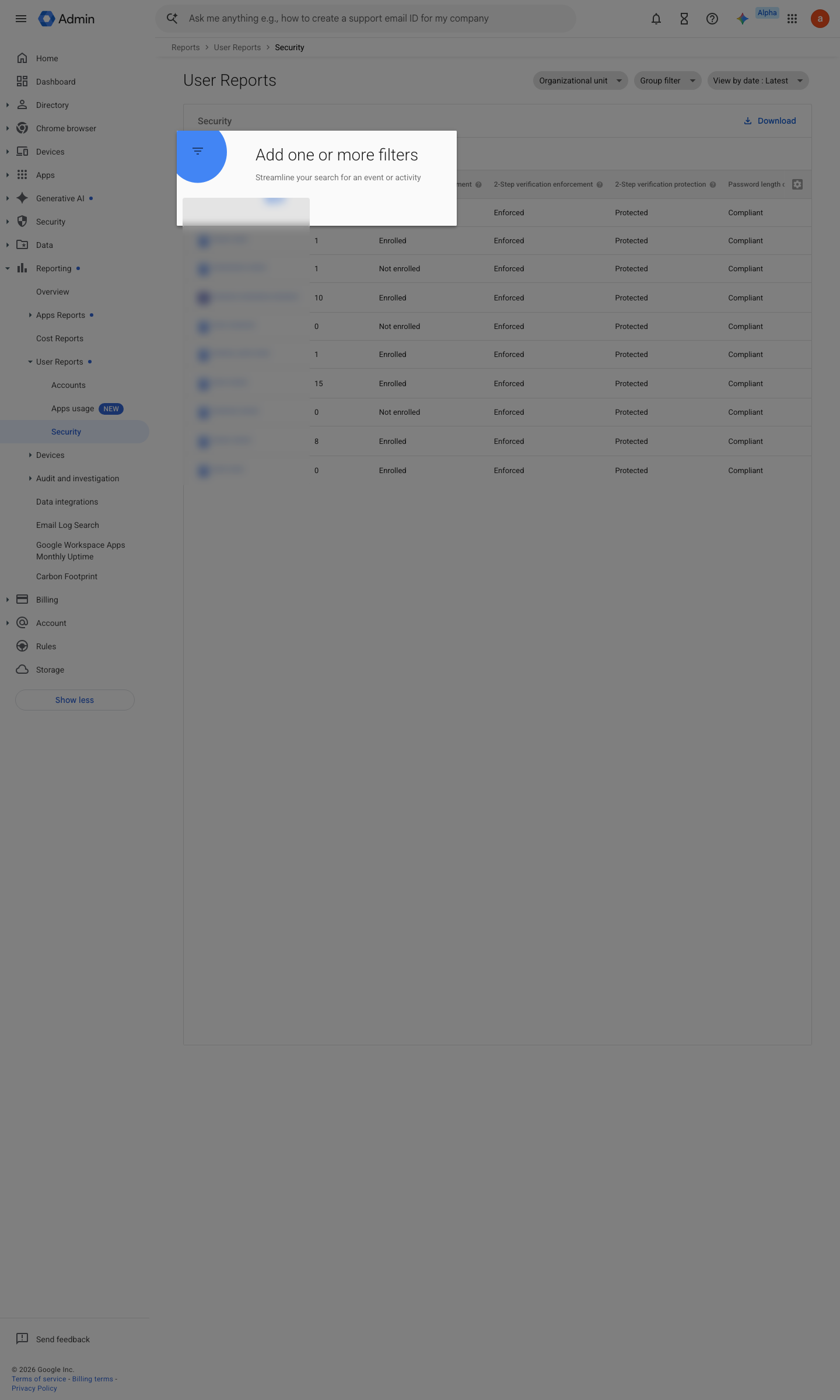
https://admin.google.com/ac/reporting/report/user/security · captured 2026-07-15
Reporting › User Reports › Security- 2-Step Verification Enrollment
Enrolled for every active user
Ongoing maintenance
- automatable: script Weekly: diff the 2SV enrolment/enforcement export and chase new users who have not enrolled before their grace period ends.
How to verify
Enumerate enforcement per user with GAM — enrolment without enforcement still admits a password-only sign-in.
gam print users fields primaryEmail,isEnrolledIn2Sv,isEnforcedIn2SvAny row with isEnforcedIn2Sv=False outside the break-glass OU is a finding.
v0.0.3Prevent policy #8 · #3 ↗