49 Email gateway interception
Points the domain's MX records at a third-party mail security gateway so inbound mail is filtered before Google ever sees it, declares the gateway's IPs to Gmail as the trusted hop so Gmail reads the gateway's verdict rather than its IP reputation, rejects anything that arrives at Google without passing through the gateway, and optionally smart-hosts outbound mail through it too. The MX change is DNS, not console — and it is the step that can black-hole all of your mail.
Documentation: Email routing and delivery options for Google Workspace ↗
Caveats
- Weigh this one carefully1
- Gmail does not enforce the sender’s DMARC policy on messages arriving via the inbound gateway2
- The gateway sees every message in plaintext3
- ‘Reject all mail not from gateway IPs’ is the setting that makes the control real4
- Inbound gateway settings do not accept private IP addresses
Setup steps
-
MX → gateway vendor's hosts (lowest priority first); TTL lowered beforehand - open ↗
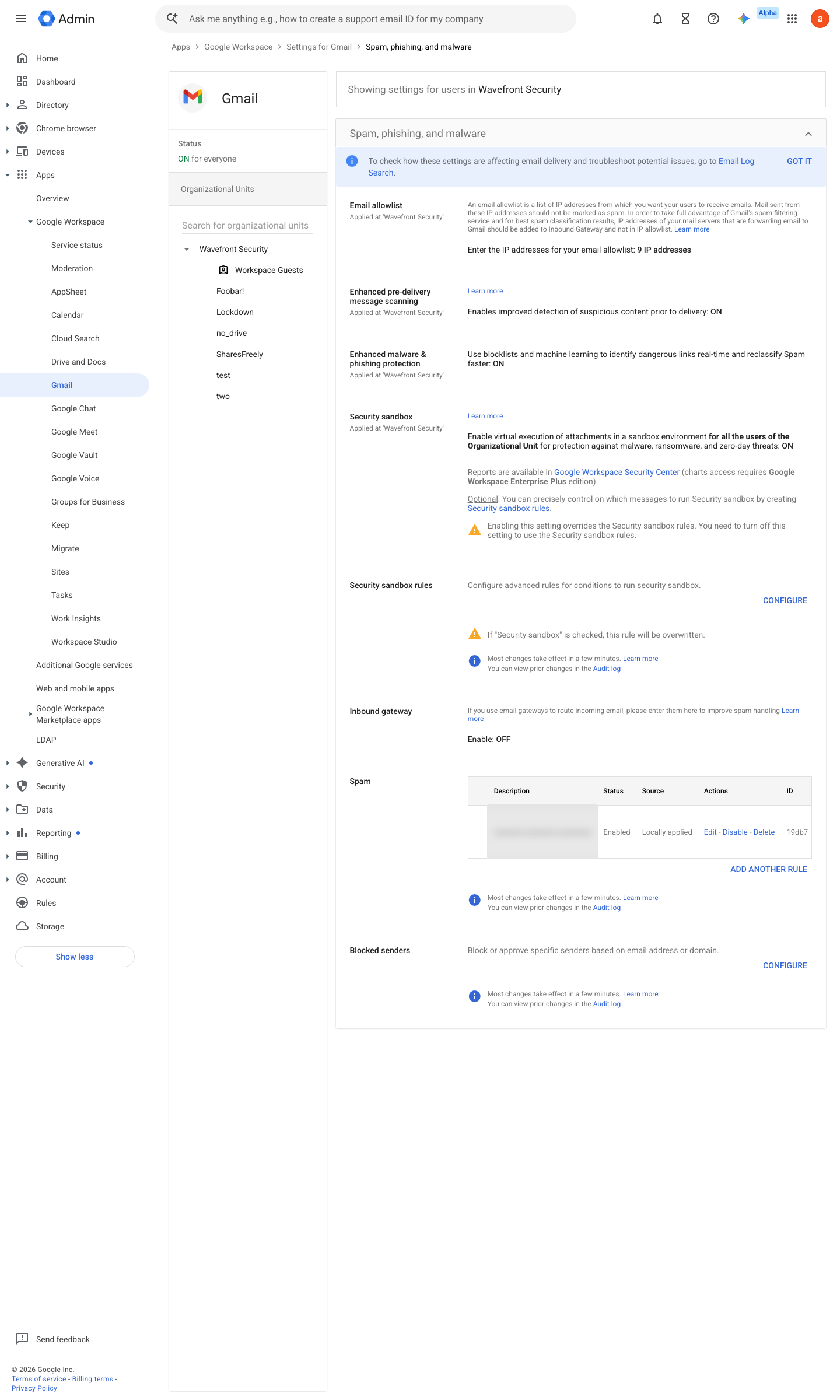
https://admin.google.com/ac/apps/gmail/spam · captured 2026-07-15
Apps › Google Workspace › Gmail › Spam, Phishing and Malware › Inbound gateway- Gateway IPs
<vendor CIDRs>- Automatically detect external IP
ON
-
Apps › Google Workspace › Gmail › Spam, Phishing and Malware › Inbound gateway- Reject all mail not from gateway IPs
ON- Require TLS for connections from the gateway
ON
- open ↗
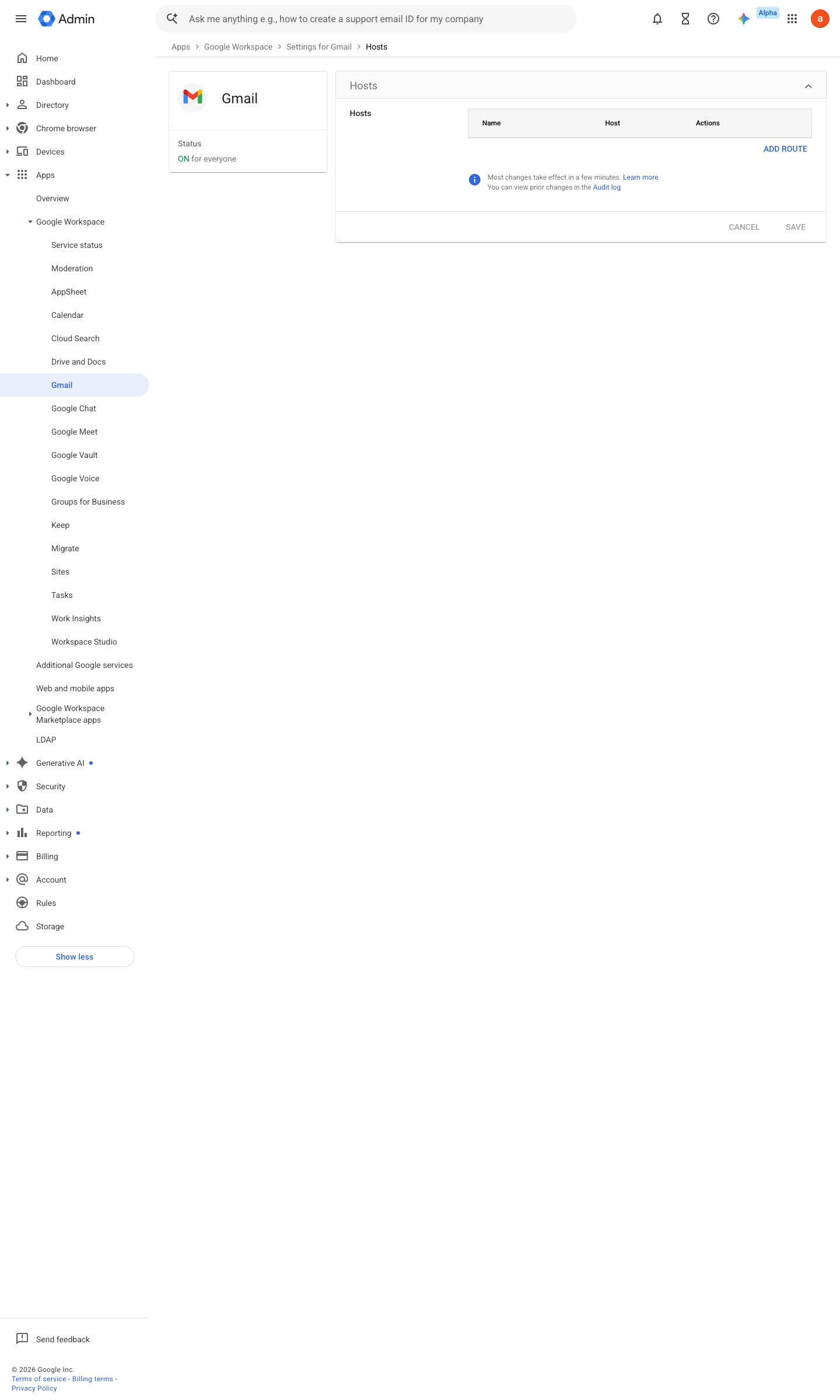
https://admin.google.com/ac/apps/gmail/hosts · captured 2026-07-15
Apps › Google Workspace › Gmail › HostsAdd route → gateway smarthost:port; Require TLS = ON; Require CA-signed certificate = ON
- open ↗
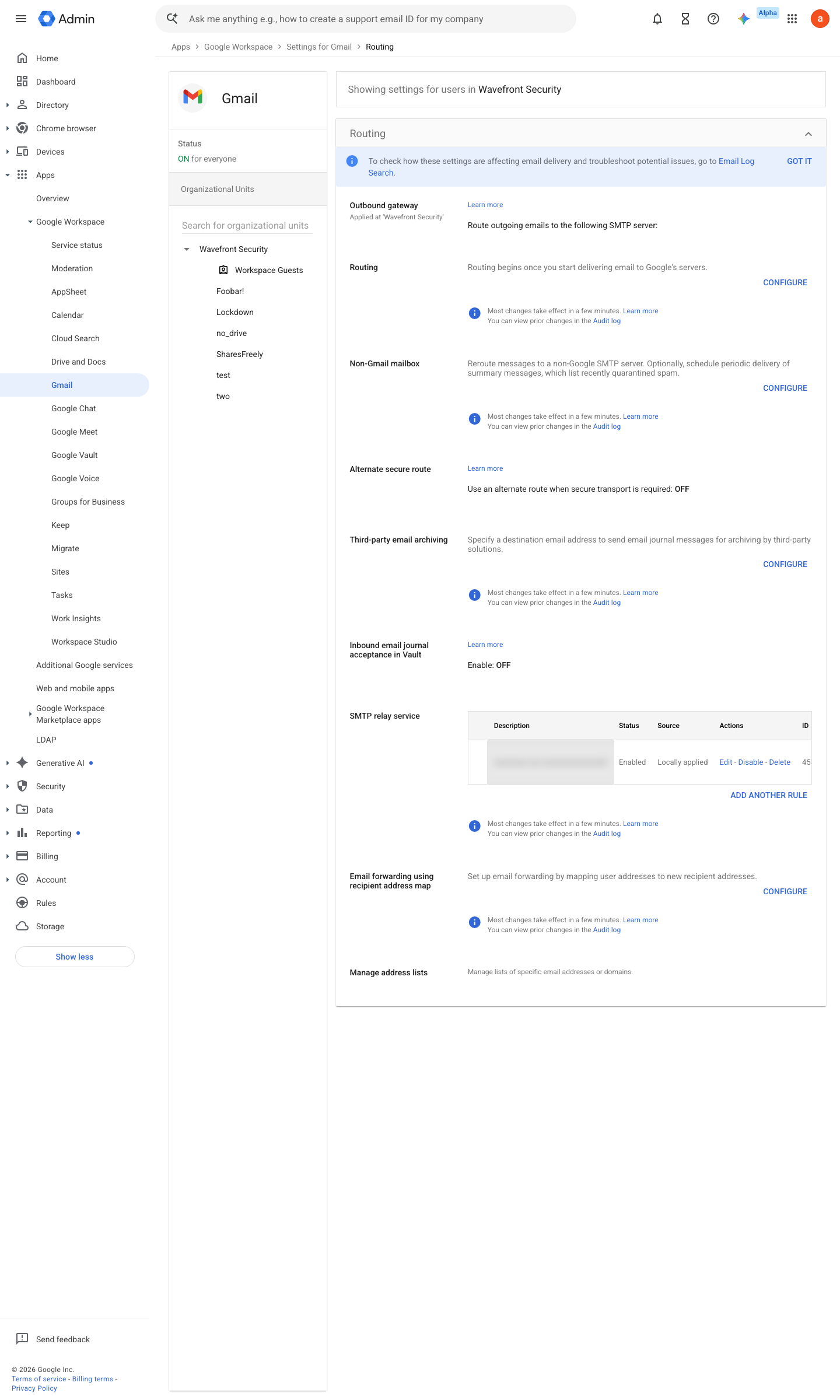
https://admin.google.com/ac/apps/gmail/routing · captured 2026-07-15
Apps › Google Workspace › Gmail › Routing- Affect
Outbound- Route
the gateway host- Change envelope recipient
off
Ongoing maintenance
- automatable: script Continuously: monitor gateway queue depth and delivery latency.
- requires a human Per incident/policy change: keep gateway rules in step with Workspace-side controls.
How to verify
The MX records are public — confirm they point at the gateway, then send a test message from outside and read its headers for the gateway hop.
dig +short MX <domain>
v0.0.2Preventedition All (3rd-party) policy #6 · #19 ↗