4 Email authentication (SPF/DKIM/DMARC)
SPF, DKIM and DMARC let a receiving server verify that mail claiming to come from your domain actually did, which is what stops an attacker spoofing your domain to your own staff and to your partners. Only DKIM is an Admin Console setting: the key is generated there and published as a TXT record, while SPF and DMARC exist only in DNS — so the real dependency of this control is custody of the DNS zone (see the air-gapped recovery kit, №55). None of the three needs a recurring console workflow — though SPF must be edited whenever a sending service is added and DMARC is deliberately ratcheted from p=none to p=reject (see the steps); MTA-STS, which carries a genuinely ongoing maintenance burden, is 28 MTA-STS + TLS reporting.
Documentation: About authentication methods ↗
Caveats
Setup steps
- open ↗
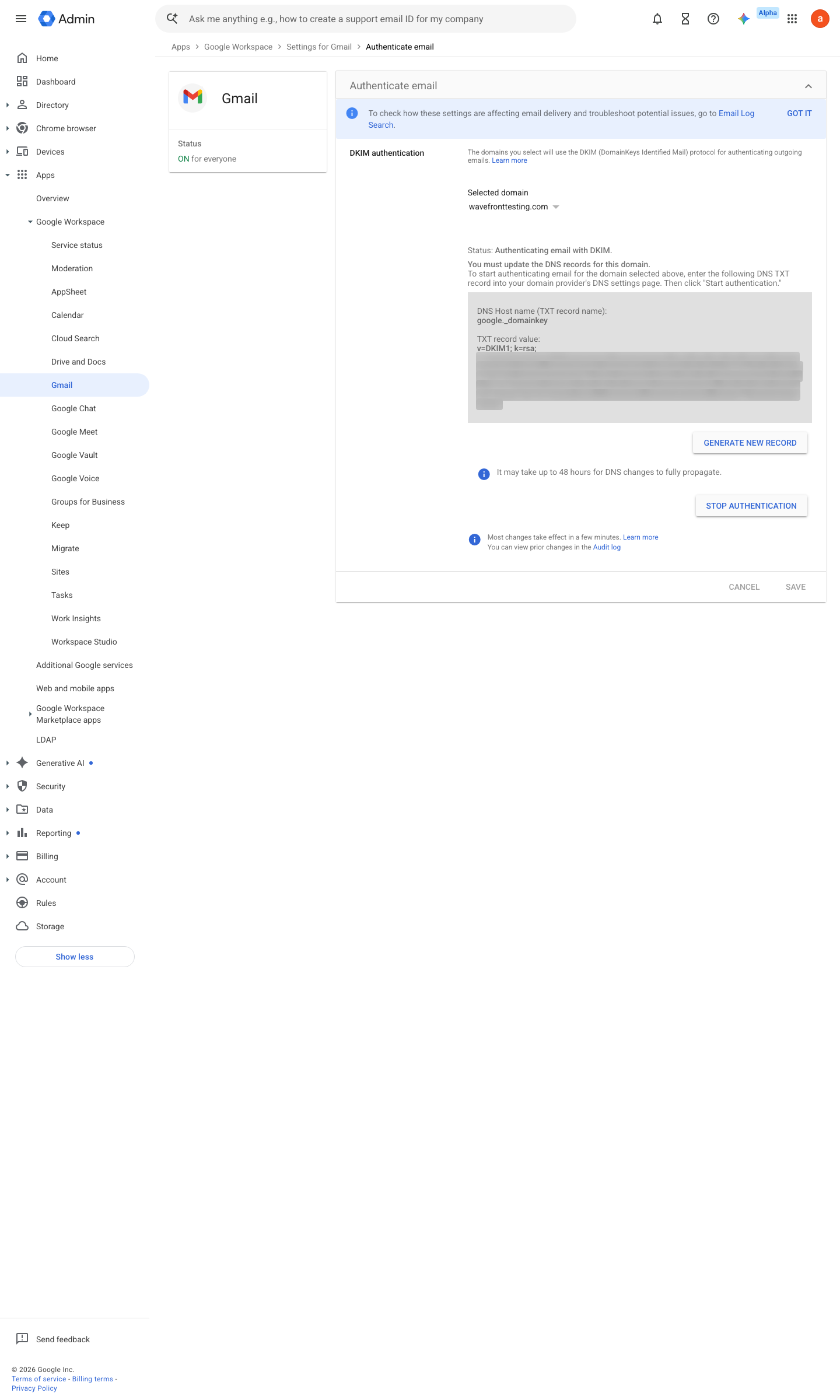
https://admin.google.com/ac/apps/gmail/authenticateemail · captured 2026-07-15
Apps › Google Workspace › Gmail › Authenticate email- Selector prefix
google- Key length
2048-bit
- open ↗
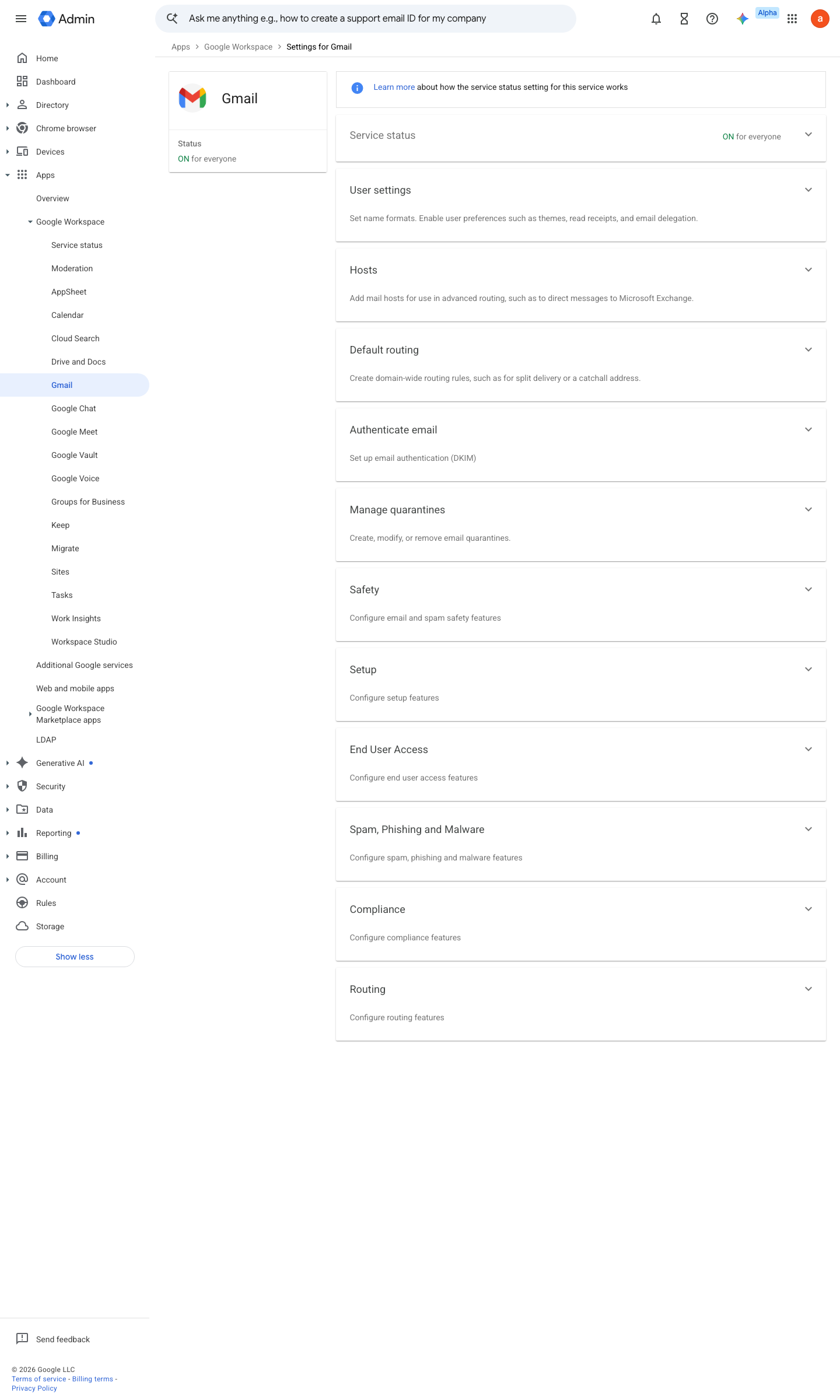
https://admin.google.com/ac/managedsettings/740348119625 · captured 2026-07-15
Apps › Google Workspace › Gmail › Authenticate emailgoogle._domainkey TXT = <value from console>; then click Start authentication
-
TXT @ = v=spf1 include:_spf.google.com ~all -
TXT _dmarc = v=DMARC1; p=none; rua=mailto:dmarc@<domain>; adkim=s; aspf=s
Ongoing maintenance
- automatable: AI agent Monthly: review DMARC aggregate (rua) reports for unexpected senders before tightening or after adding a SaaS mailer.
- requires a human When adding any sending service: update SPF without exceeding the 10-lookup limit.
How to verify
Check all three records from any machine — no tenant access needed, and it tests what receivers actually see.
dig +short TXT <domain> | grep spf1; dig +short TXT google._domainkey.<domain>; dig +short TXT _dmarc.<domain>
SPF must end in ~all or -all, the DKIM key must be 2048-bit, and DMARC must carry p=quarantine or p=reject with a rua= address that is monitored.
v0.1.1Preventedition All (DNS-side) policy #6 · #27 ↗