26 DLP rules (Drive/Gmail/Chat)
Data protection rules scan Drive files, Gmail messages and Chat messages for content that matches a detector — card numbers, national IDs, credentials, or a custom regex — and audit, warn or block when that content is shared or sent. A rule is scoped by OU or group, by app, by trigger condition and by detector, and its alerts land in the alert center at the severity you choose. The usual sequence is audit-only to size the false positives, then warn, then block.
Documentation: About DLP ↗
Caveats
- A rule that only logs is a detection, not a prevention1
- Scan-on-share triggers on the sharing event, not on content at rest2
- Detectors are regex over extracted text3
- Duplicate rules with conflicting actions are the usual failure mode4
- DLP requires Enterprise Standard+, Frontline Standard+, an Education edition or Enterprise Essentials Plus5
Setup steps
- open ↗
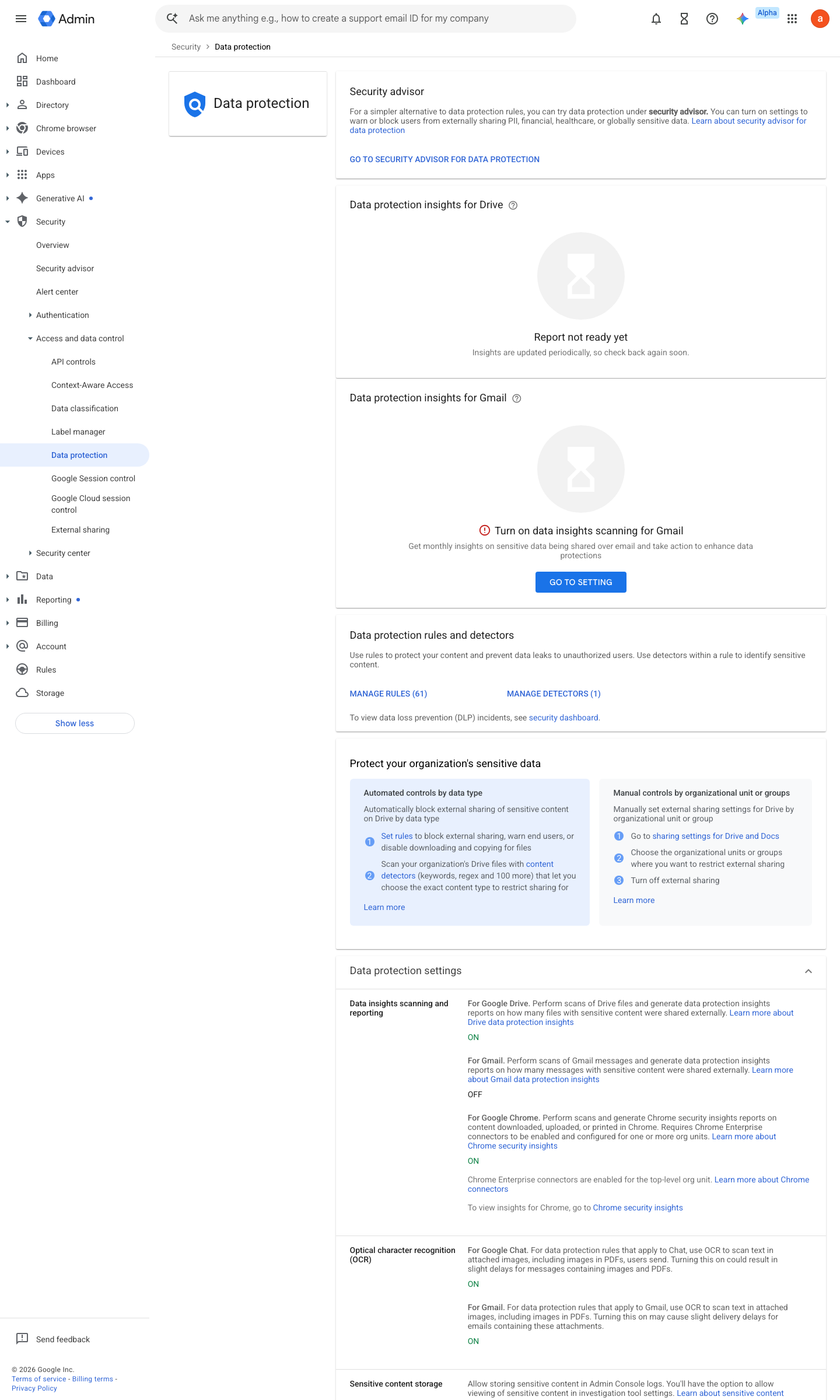
https://admin.google.com/ac/dp · captured 2026-07-15
Security › Access and data control › Data protection - open ↗
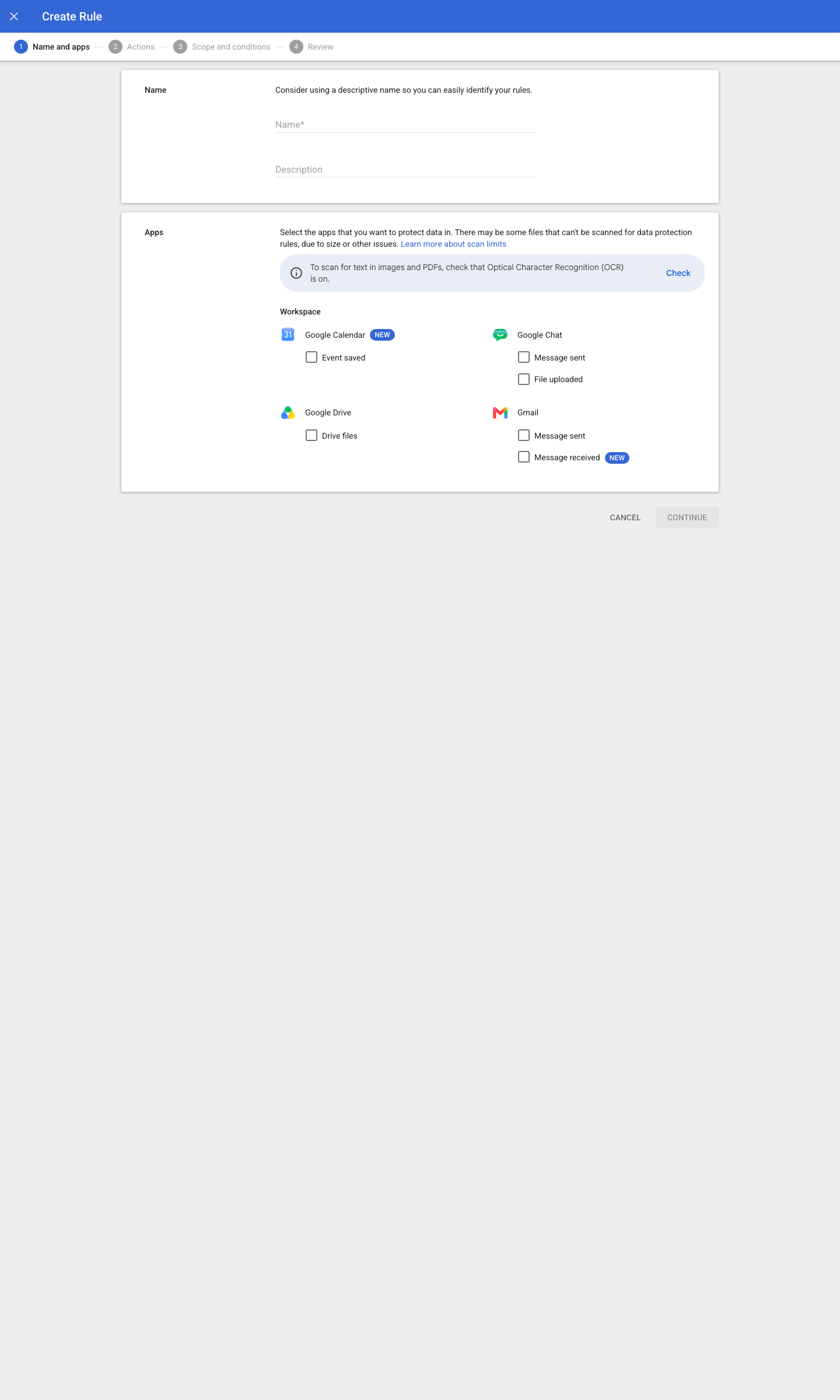
https://admin.google.com/ac/dp/createrule · captured 2026-07-15
Security › Access and data control › Data protection › Add rule > New rule- Scope
all users- Apps
Drive + Gmail + Chat- Conditions
content matches detector- Trigger
file shared externally / message sent externally
Create data protection rules ↗ Create DLP for Drive rules and custom content detectors ↗
-
Security › Access and data control › Data protection › Add rule > New ruleAction = Audit only (week 1) → Warn → Block (Drive: Block external sharing; Gmail: Block message, outgoing messages only); Alerting severity = High, send to the alert center
Ongoing maintenance
- automatable: AI agent Monthly: review DLP alert volume and false positives; tune detectors and thresholds.
- requires a human Per new data type the org handles: extend detectors and re-run the canary test.
How to verify
Create a canary document containing a synthetic detector hit (test credit-card number), share it externally from a test account, and confirm the rule blocks/warns and raises the alert.
v0.1.2Preventedition Ent Std+ policy #15 · #33 ↗