24 Data regions (storage)
Pins where covered Workspace data is stored at rest — the European Union or the United States — for organisations under a data-residency requirement. The policy applies immediately but existing data migrates asynchronously, the data-regions status report will tell you when the migration has finished. Coverage is a published list of services; this is a pure compliance control.
Documentation: Data covered by data regions ↗
Caveats
- Several covered services (Gmail, Calendar, Chat, Contacts, the Docs family, Drive, Meet, Vault and…1
- Coverage is defined by a published list2
- Migration of existing data can take weeks while the setting flips instantly3
- Available on Frontline Starter/Standard/Plus, Business Standard/Plus, Enterprise Standard/Plus,…4
Setup steps
- open ↗
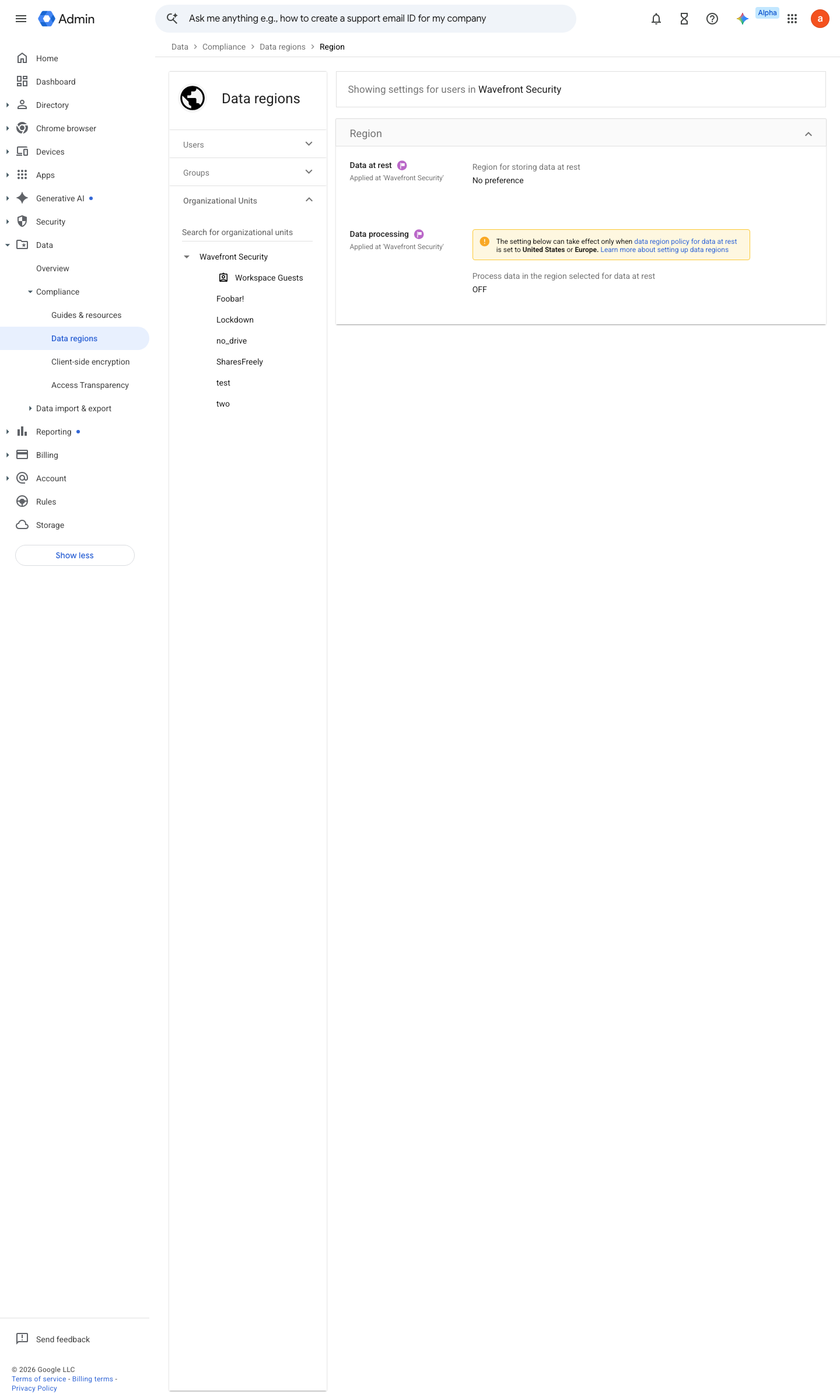
https://admin.google.com/ac/managedsettings/155680775124/DATA_LOCATION_SETTING · captured 2026-07-15
Data › Compliance › Data regionsData region = European Union (or United States); avoid 'No preference' if a residency claim is being made
- open ↗
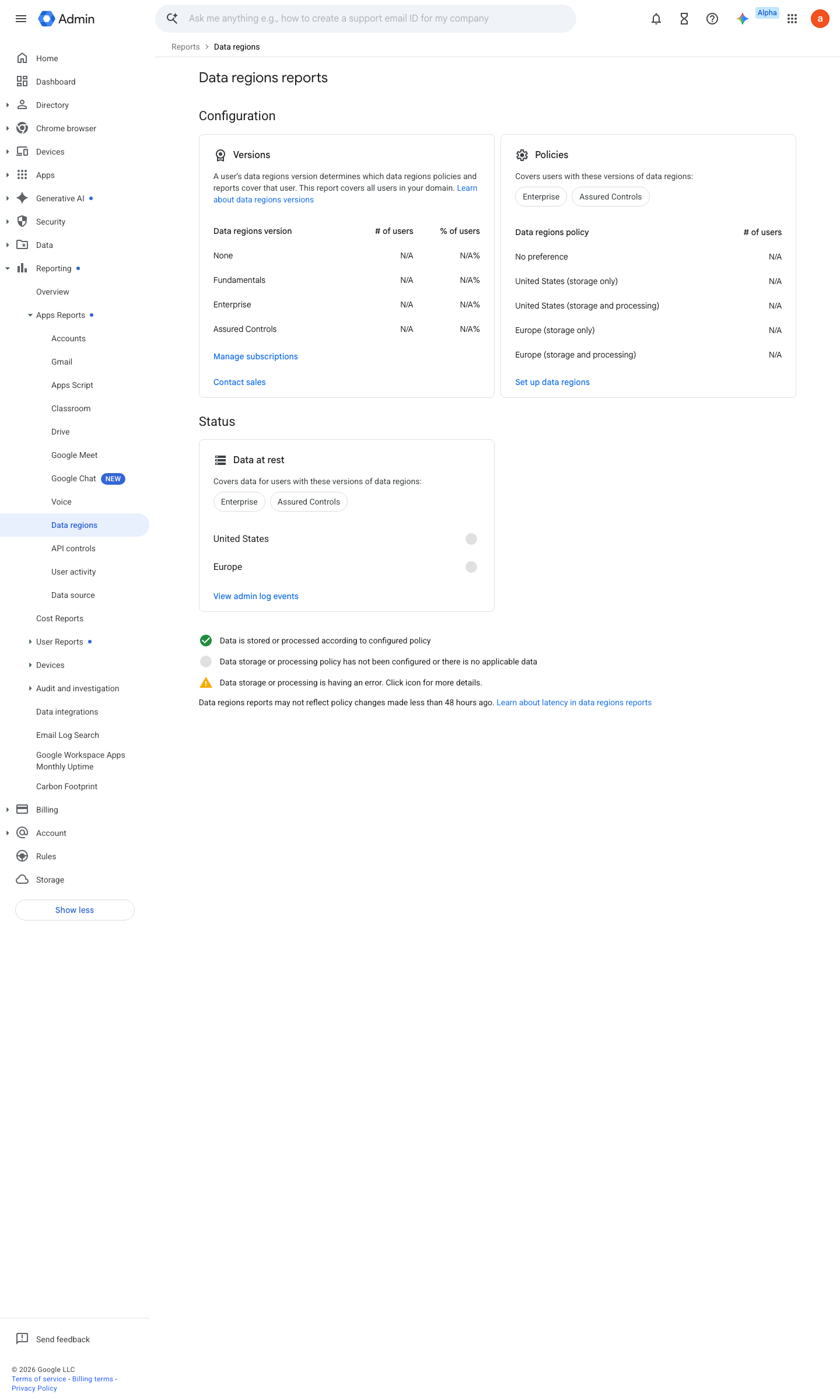
https://admin.google.com/ac/dataregions · captured 2026-07-15
Reporting › Apps reports › Data regions- Status
all covered data in the selected region (no 'in progress' remainder)
How to verify
Read the data-region policy per OU in the console, and spot-check a covered service’s region in the transparency report / data regions dashboard.
v0.0.3Preventedition Frontline, Business Std+, Enterprise Std+, Edu Std+, Essentials Plus policy #15 (gap G3) ↗