69 CSE with Google-partner KACLS
Client-side encryption encrypts content in the browser before it reaches Google, using a key wrapped by an external key access control list service (KACLS) run by a partner — FlowCrypt, Fortanix, Futurex, Hitachi Solutions, Stormshield, Thales, Utimaco. Google stores only ciphertext and never holds the key, so it cannot read the content and cannot be compelled to produce it. Setting it up needs the KACLS URL plus a separate identity provider that the KACLS trusts to authorise key unwrapping: a second trust anchor, distinct from Workspace sign-in.
Documentation: About client-side encryption ↗ · Choose your key service for client-side encryption ↗
Caveats
- CSE breaks everything that reads content server-side1
- A partner KACLS makes the partner, not you, the compelled-disclosure boundary2
- Losing the KACLS or its IdP binding is unrecoverable data loss3
- Requires Enterprise Plus, Education Standard/Plus or Frontline Plus4
- Changes take up to 24 hours to propagate5
Setup steps
-
Data › Compliance › Client-side encryption › Key servicesAdd key service: name + KACLS URL; assign as default at the OU level
-
Data › Compliance › Client-side encryption › Identity providerIdP configuration (IdP name, client ID, discovery URI) per the partner's instructions
Connect to your identity provider for client-side encryption ↗
- open ↗
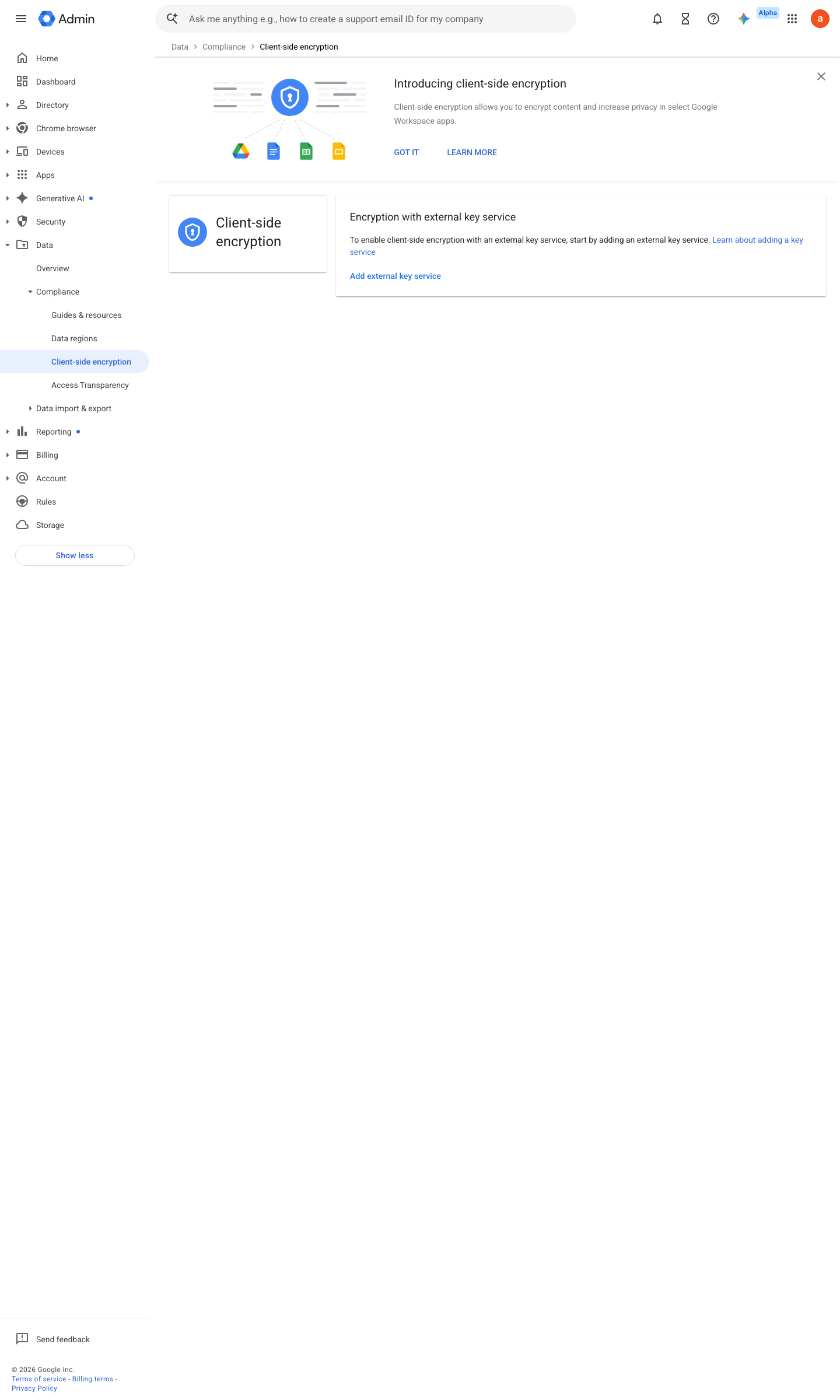
https://admin.google.com/ac/cse · captured 2026-07-15
Data › Compliance › Client-side encryptionAssign > select OU or group > key service = the partner KACLS > On for Drive/Docs, Gmail, Meet, Calendar as required
Assign client-side encryption to users ↗ Turn client-side encryption on or off for users ↗
-
Data › Compliance › Client-side encryptionCSE indicator present; content not indexed
Ongoing maintenance
- automatable: script Continuously: monitor KACLS availability — when it is down, every CSE document is unreadable.
How to verify
Open a CSE-encrypted document as an authorised user (key fetch must succeed), then as an unauthorised user (it must fail).
Probe the partner KACLS endpoint availability from outside.
curl -s -o /dev/null -w "%{http_code}" https://<kacls-endpoint>/status
v0.0.3Preventedition Ent Plus, Edu Std/Plus, Frontline Plus policy #16 · #15, #23 ↗