42 Color-coded data domains (labels + IRM)
A small badged label — three or four values, colour-coded, unambiguous — is published to Drive and made visible to the whole organization or to the users and groups that must see it. The label is then what a DLP rule keys on: 'Restricted' blocks external sharing, and IRM strips download, copy and print from viewers and commenters. The colour is documentation; the rule attached to it is the control.
Documentation: Get started as a classification labels admin ↗
Caveats
Setup steps
- open ↗
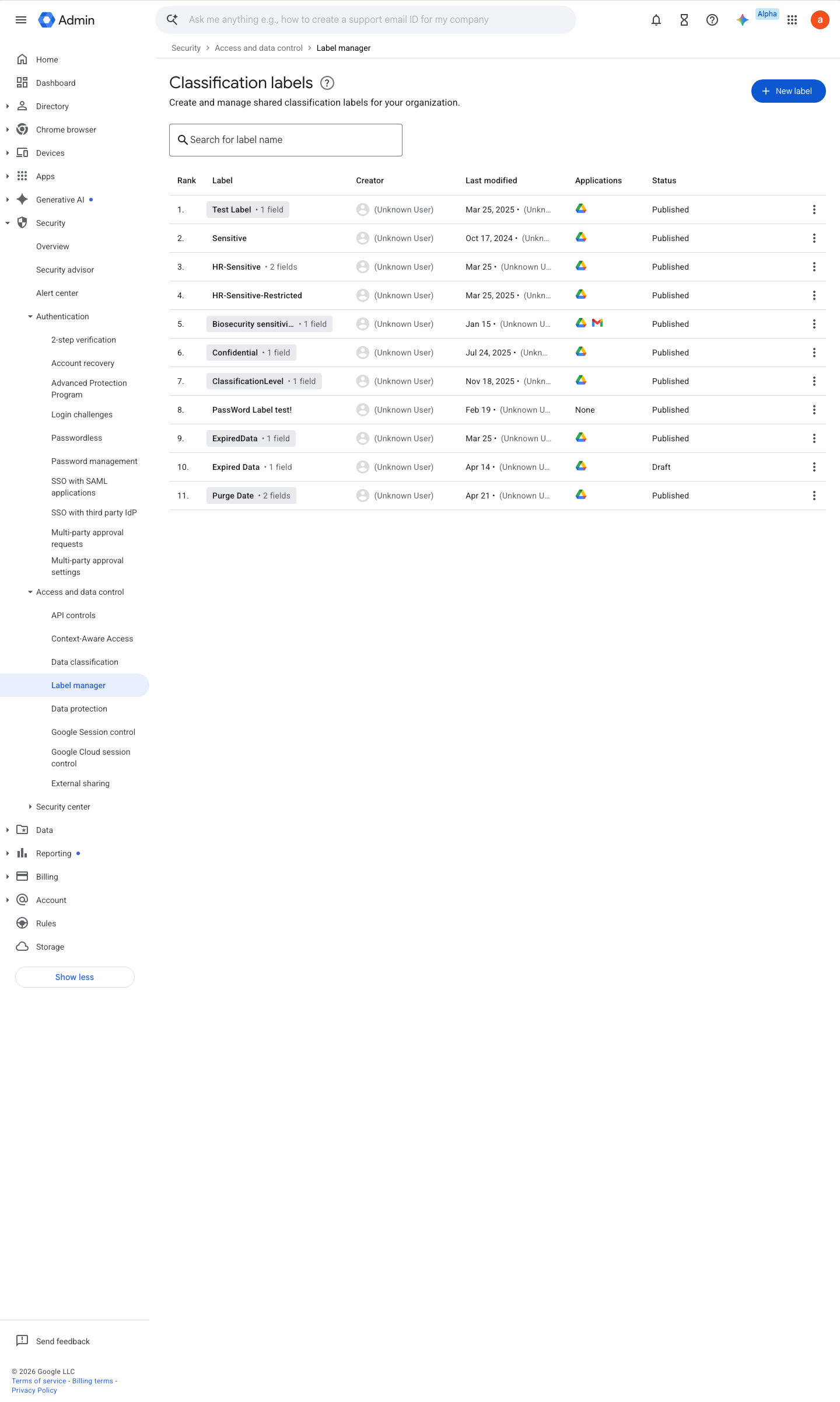
https://admin.google.com/ac/dc/labels · captured 2026-07-15
Security › Access and data control › Label manager- Label
'Sensitivity' (badged)- values
Public / Internal / Confidential / Restricted
- open ↗
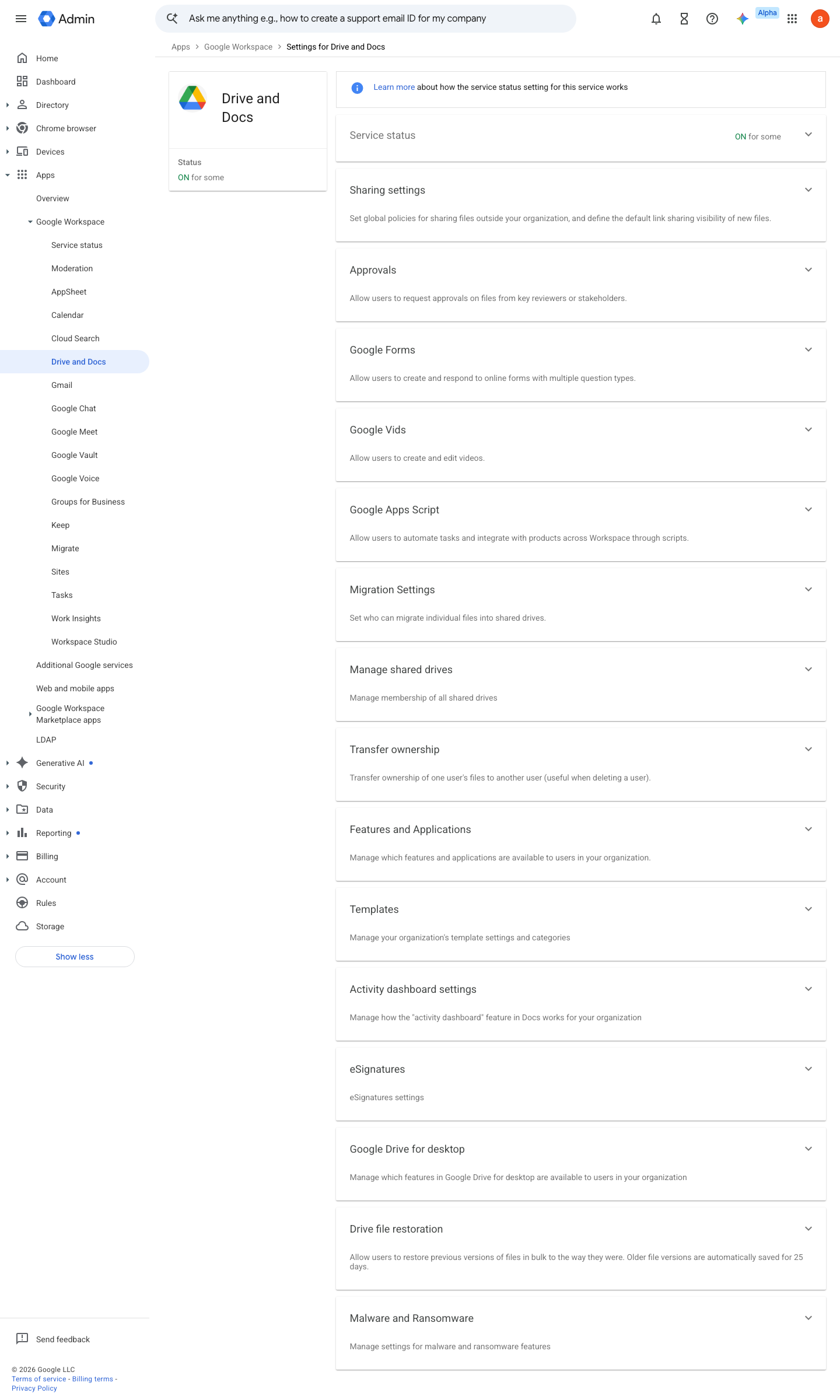
https://admin.google.com/ac/managedsettings/55656082996 · captured 2026-07-15
Security › Access and data control › Label managerStatus = Published; visible to entire organization
-
Security › Access and data control › Label manager- Label applications
Drive & Docs enabled
- open ↗
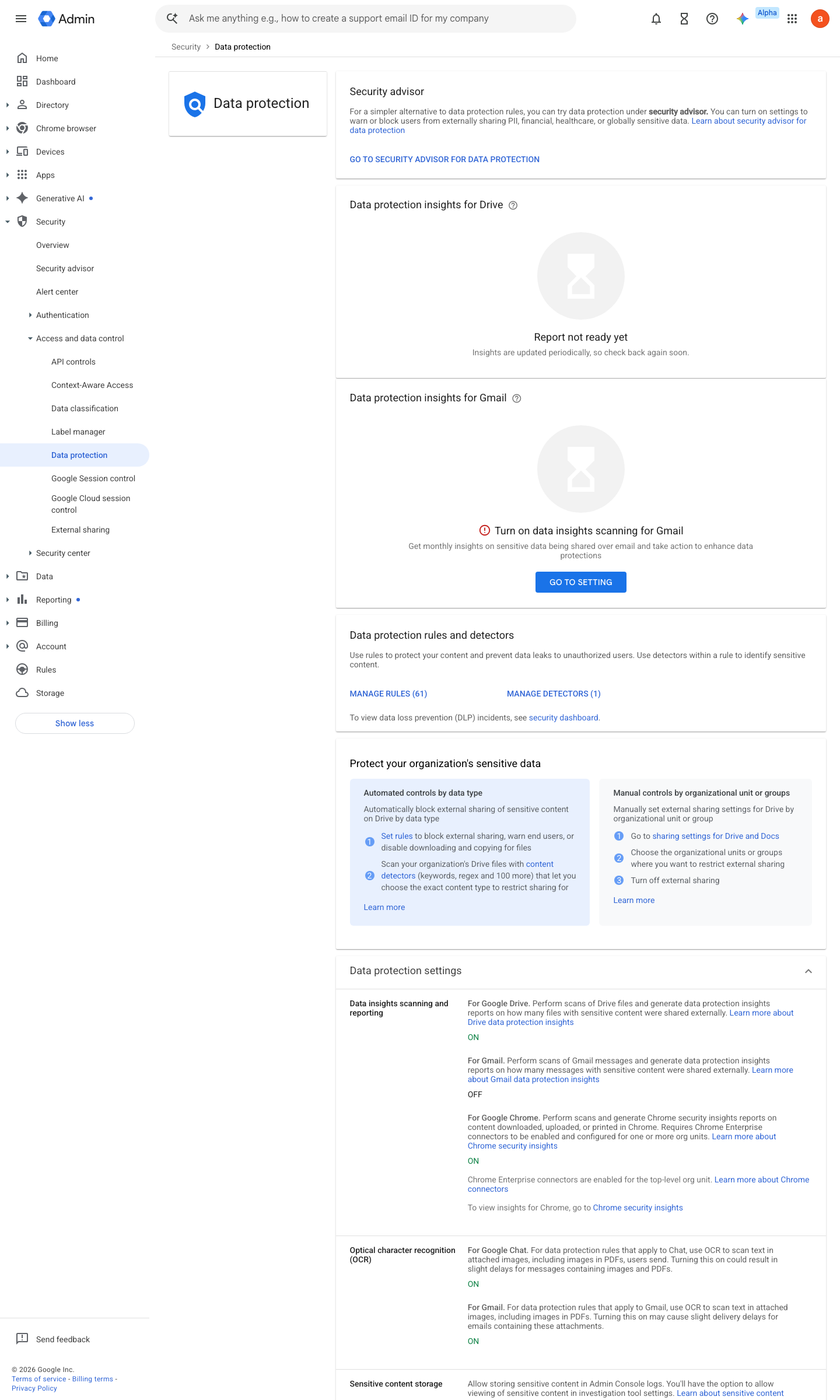
https://admin.google.com/ac/dp · captured 2026-07-15
Security › Access and data control › Data protection- Condition
Label 'Sensitivity' is 'Restricted'- Action
Block external sharing- Severity
High
Create DLP for Drive rules and custom content detectors ↗ Prevent users from downloading, printing, or copying files ↗
Ongoing maintenance
- requires a human Quarterly: review the label taxonomy against how documents are actually classified.
How to verify
Open a labelled document as a test user and attempt the restricted action (download/print/copy) — IRM must refuse it.
v0.1.3Preventedition Business Std+ (enforce: Ent Std+, Frontline Std+, Edu, Ent Essentials Plus) policy #15 · #4 ↗