14 Basic Context-Aware Access (IP/geo)
Context-Aware Access evaluates an access level — a set of attribute conditions — when a user signs in or authorises an app, and continuously thereafter for Google apps (third-party SAML apps are checked at sign-in only). The basic editor gates on IP range and geographic region, so Workspace apps, and if you choose the Admin Console itself, are reachable only from your office, your VPN egress or the countries you operate from. A tighter level for the admin cohort is what makes the privileged access workstation (№51) and deny-by-default gating (№47) enforceable rather than conventional.
Documentation: Protect your business with Context-Aware Access ↗
Caveats
- Enforcing an access level on the Admin console can lock every admin out1
- CAA evaluates Google apps continuously after access is granted, but third-party SAML apps are…2
- IP and geo are attributes, not identity3
- Requires Enterprise Standard+, Education Standard+, Frontline Standard+, Enterprise Essentials Plus…4
Setup steps
- open ↗
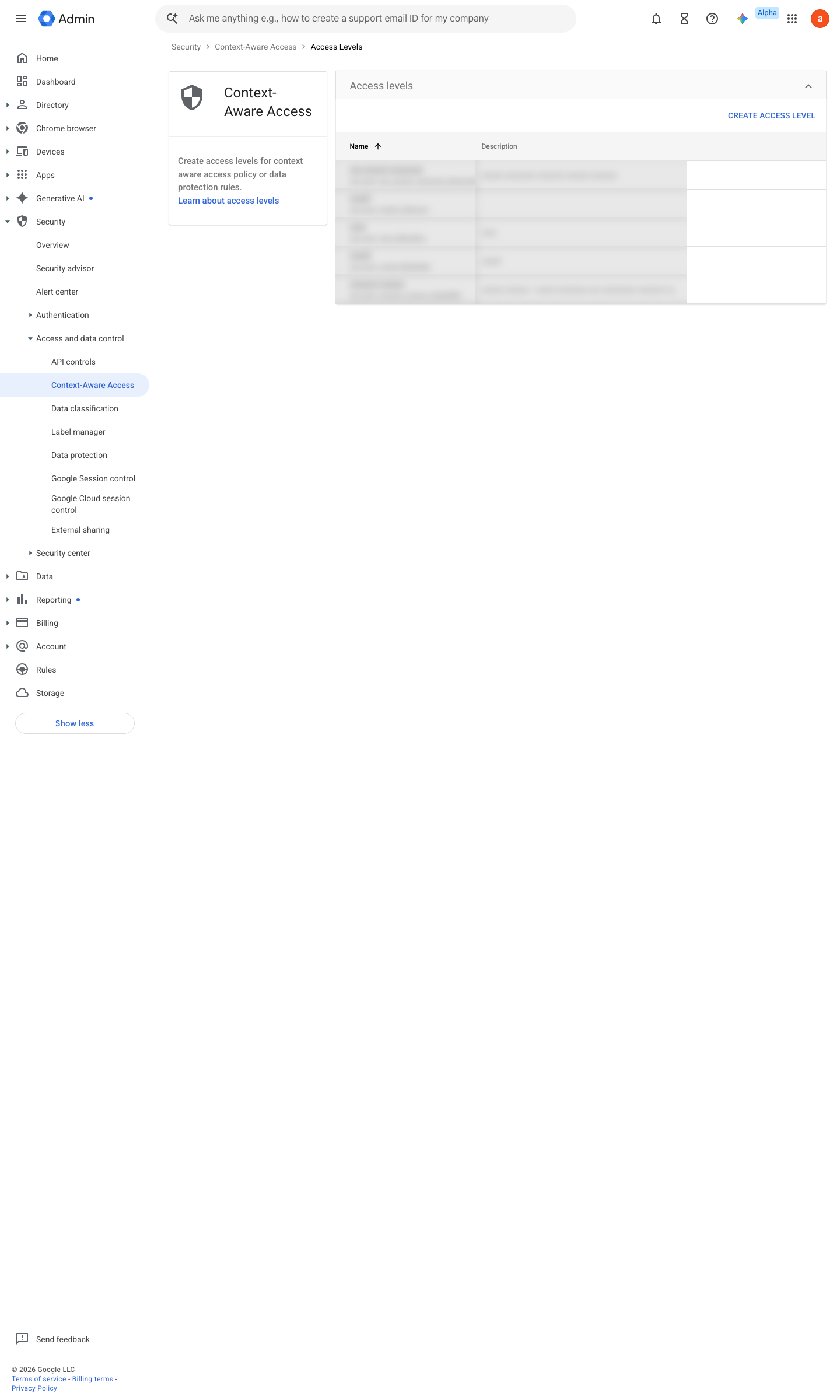
https://admin.google.com/ac/security/context-aware/access-levels · captured 2026-07-15
Security › Access and data control › Context-Aware Access › Access levels- Access level 'corp-ip-geo'
IP subnet in <office/VPN egress CIDRs> OR Region in <permitted countries>- condition
Meets attributes
- open ↗
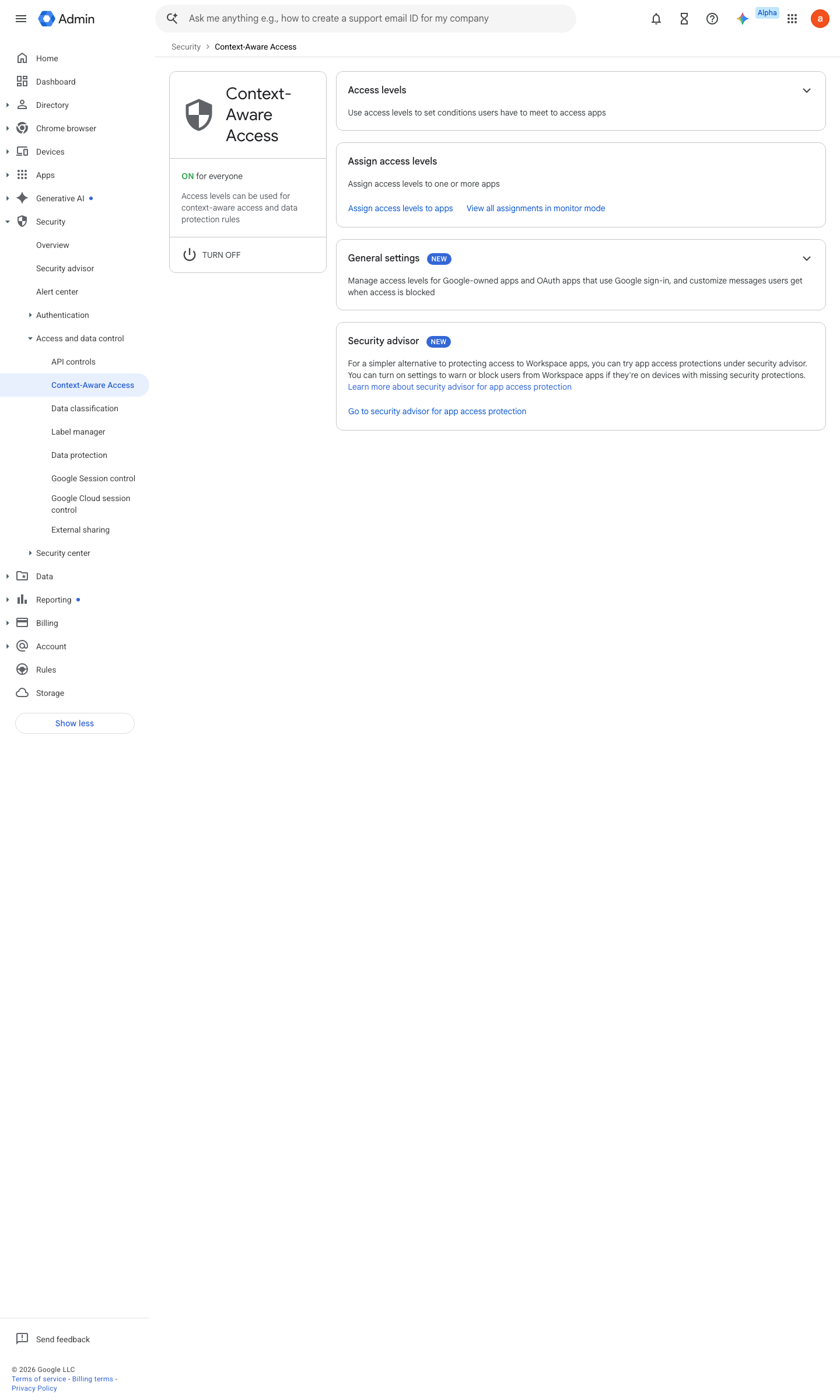
https://admin.google.com/ac/security/context-aware · captured 2026-07-15
Security › Access and data control › Context-Aware Access › Access levels- Access level 'admin-only'
IP subnet in <PAW egress> only
-
Security › Access and data control › Context-Aware Access › Assign access levels- App
Gmail/Drive/Admin console- OU
<target>- Access level
corp-ip-geo- Mode
Monitor, then Active
-
Security › Access and data control › Context-Aware AccessMode = Active (enforce); break-glass OU excluded
Ongoing maintenance
- requires a human On office/VPN changes: update the CIDR list before the move.
How to verify
Sign in as a test user through a VPN egress outside the allowed set — the sign-in should be blocked (or logged as would-block while still in Monitor).
Read the CAA audit log for Access Denied events to confirm the level evaluates at all.
v0.0.3Preventedition Ent/Edu/Frontline Std+, EE Plus / CI Premium policy #4 · #14 ↗