61 Audit-the-auditors alerting
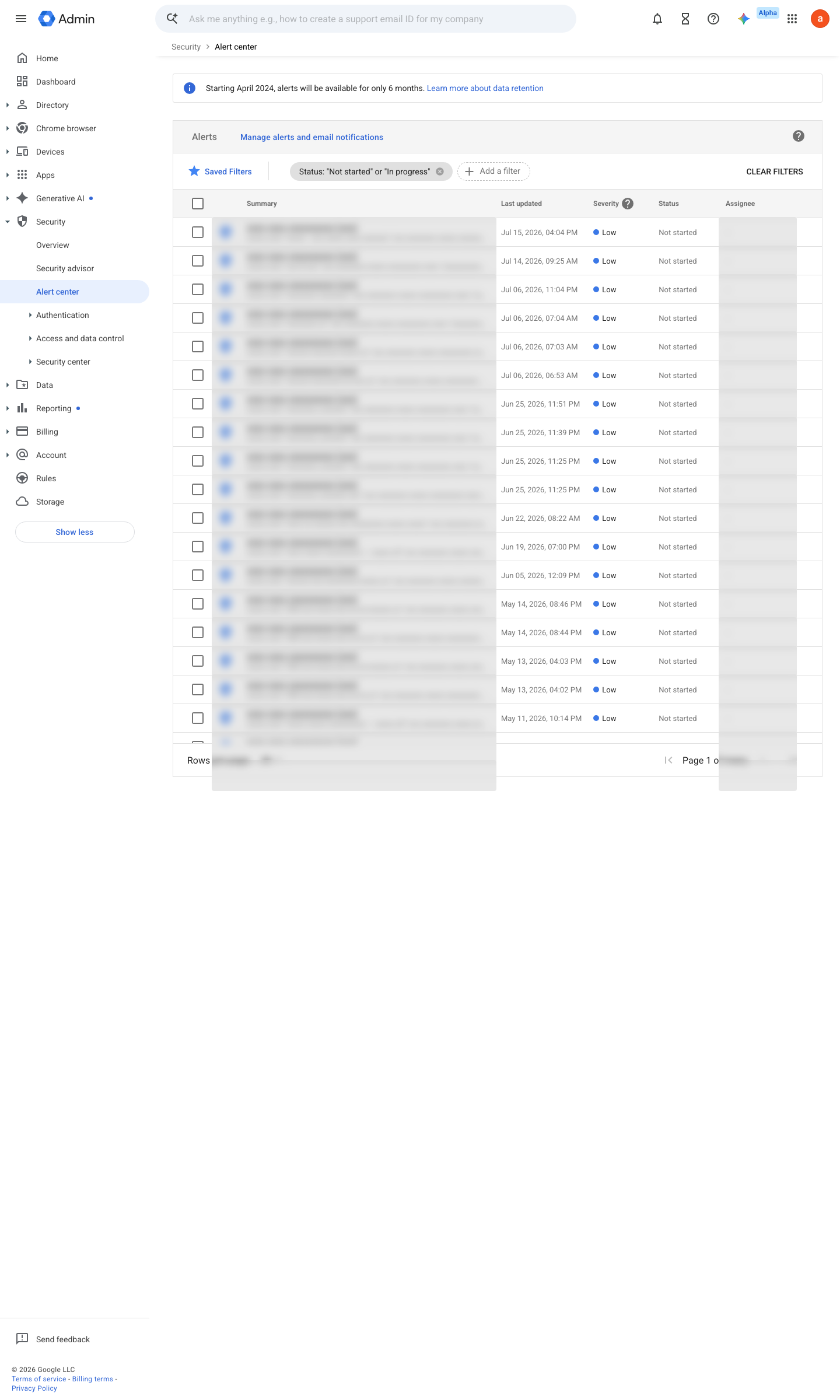
Vault searches and exports, investigation-tool queries and mailbox-delegation grants are the lawful privileged reads: they are how someone with legitimate access reads everyone else's mail without breaking anything. Activity rules on Vault log events and Admin log events raise a high-severity alert whenever they happen, routed to a recipient who is not an auditor or Vault admin — self-notification is not oversight.
Caveats
Setup steps
- open ↗
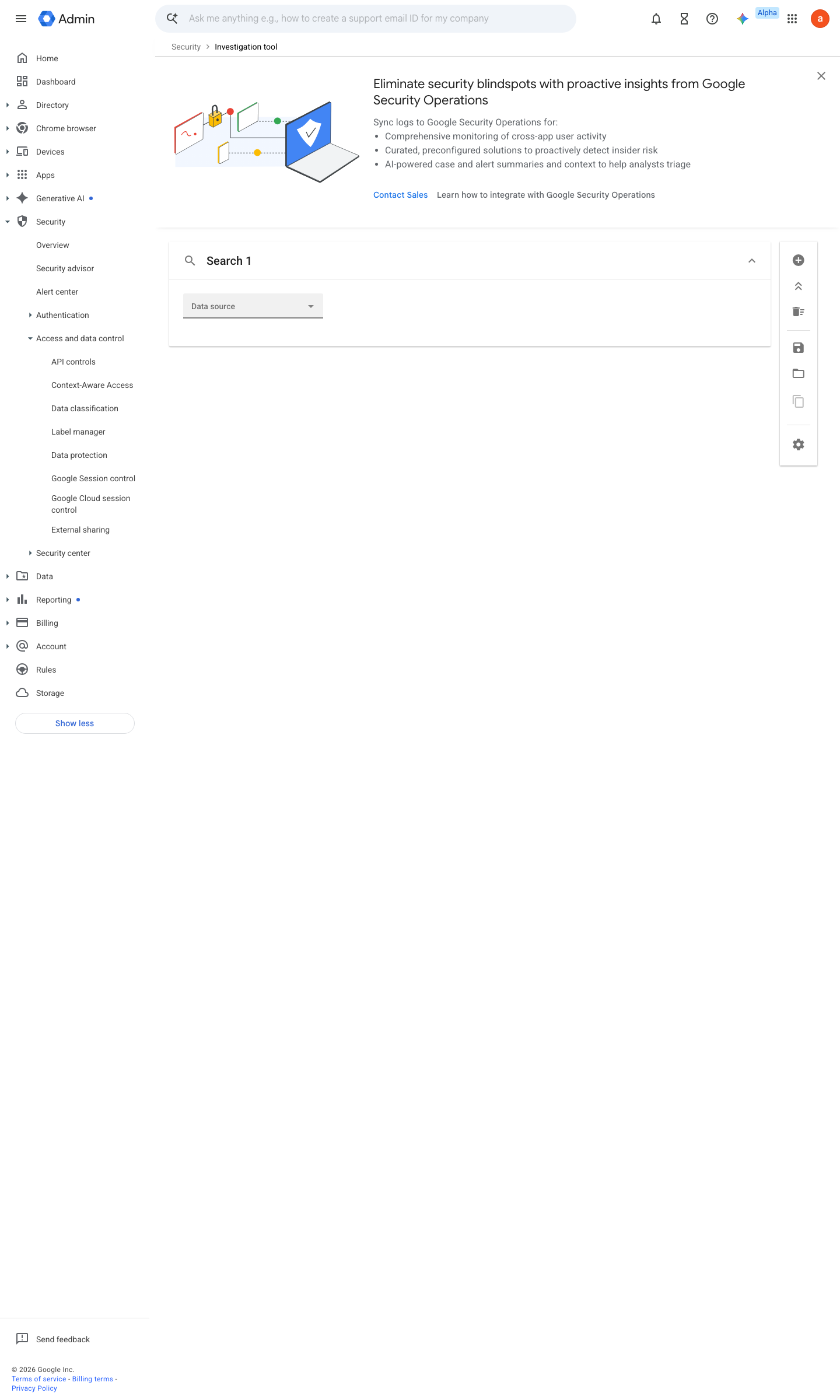
https://admin.google.com/ac/sc/investigation · captured 2026-07-15
Reporting › Audit and investigation- Data source
Vault log events
- open ↗
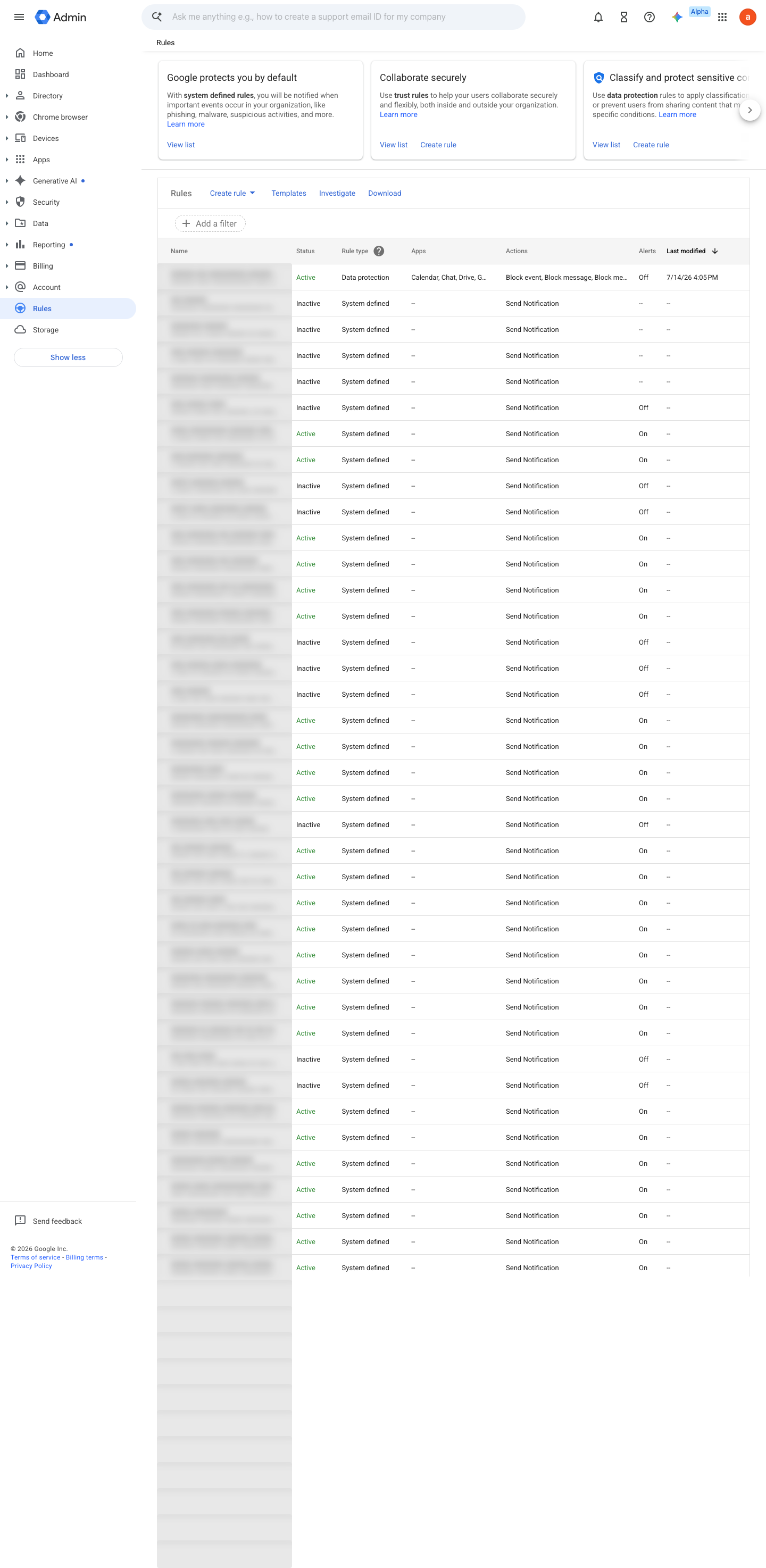
https://admin.google.com/ac/ax · captured 2026-07-15
Rules › Create rule › ActivityCondition: Vault event in {search, export, hold created/deleted}; Severity = High
-
Rules › Create rule › ActivityRule: Admin log events, investigation-tool query; Rule: Gmail log events, Has delegate = true; Severity = High
-
- Recipients
oversight alias outside the Vault admin group
-
Ongoing maintenance
- requires a human Weekly: review auditor-activity alerts — the point is that someone other than the auditor reads them.
How to verify
Perform a benign privileged audit action (e.g. an investigation-tool search) and confirm the corresponding alert fires to the second-person channel.
v0.1.3Detectedition Rules: all editions; Vault log events need a Vault license policy #30 · #18, #31 ↗