21 Advanced Protection Program (high-risk users)
Google's Advanced Protection Program is the strictest posture Google offers an account: security keys or passkeys only with no weaker fallback, harder download and app-install checks, and third-party apps with high-risk OAuth scopes shut out unless explicitly trusted. The admin toggle only permits enrollment for an OU or group — each user completes the flow themselves at landing.google.com/advancedprotection, and the user's Security panel is where you confirm it took. It is meant for the cohort an attacker will actually spend money on: executives, admins, journalists and other at-risk staff.
Documentation: Protect users with the Advanced Protection Program ↗
Caveats
Setup steps
- open ↗
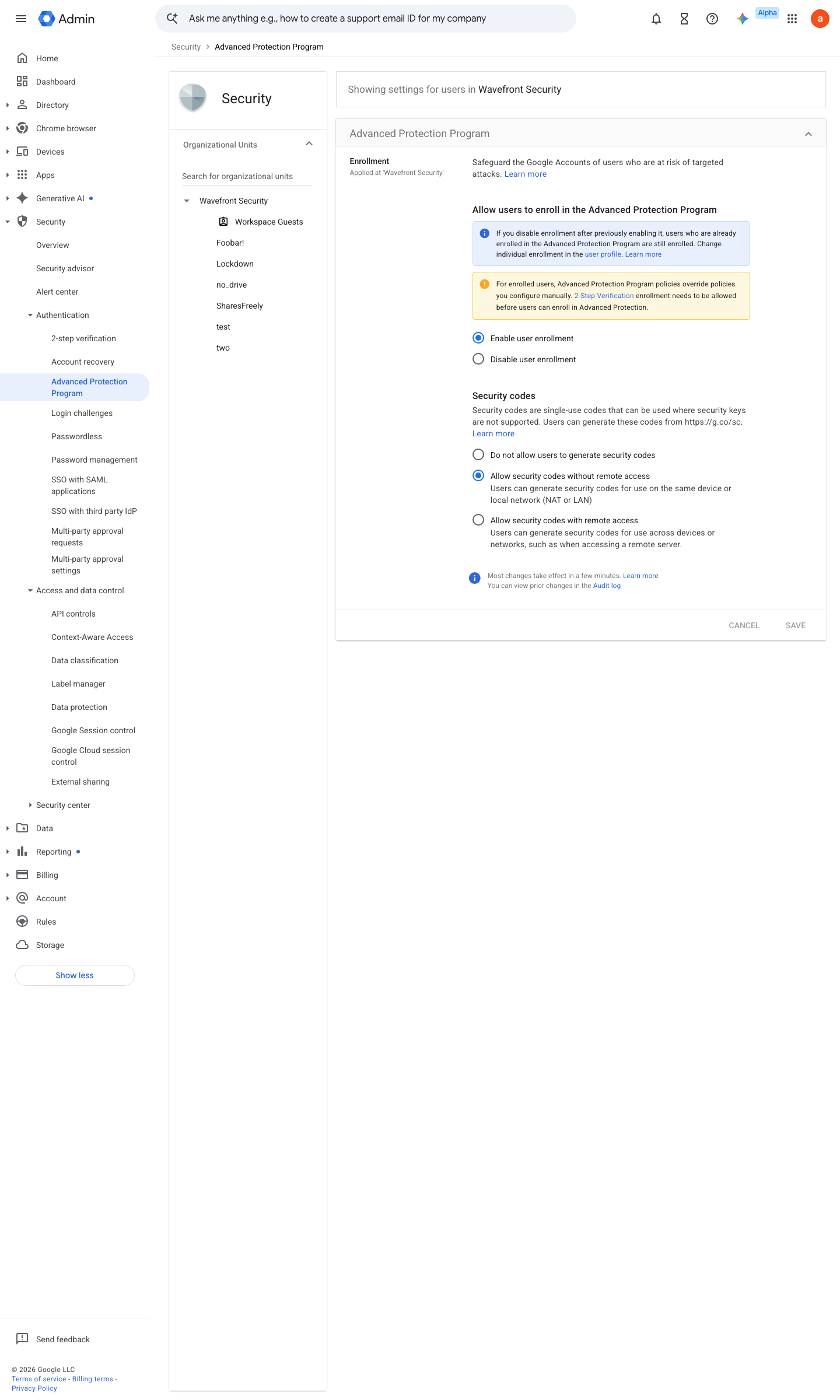
https://admin.google.com/ac/managedsettings/352555445522/titanium · captured 2026-07-15
Security › Authentication › Advanced Protection ProgramAdvanced Protection Program enrollment = Enable user enrollment (the default) for the high-risk OU; set Disable user enrollment for OUs outside the cohort
-
Security › Access and data control › API controls › App access controlApp access control (№8): each app the cohort requires = Trusted
- open ↗
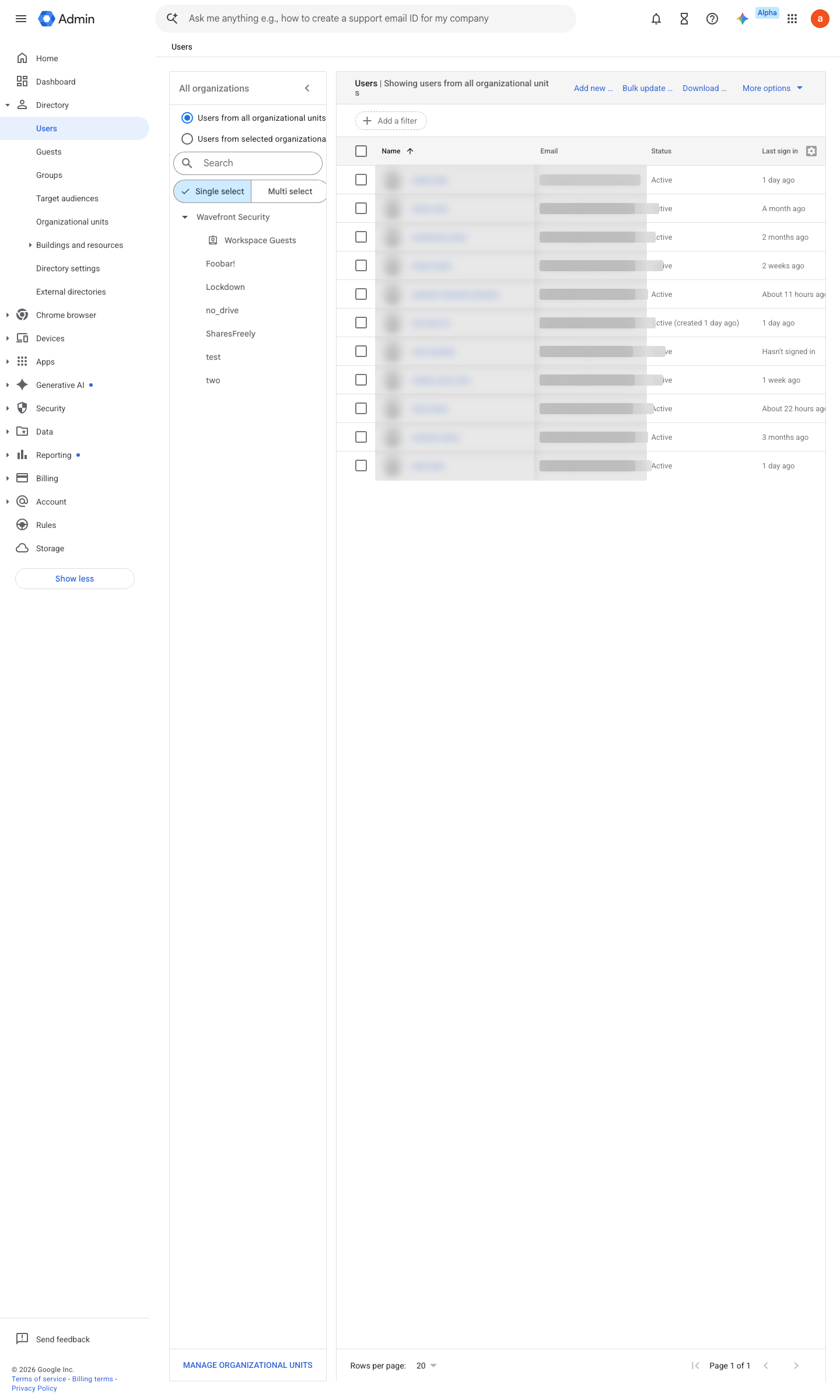
https://admin.google.com/ac/users · captured 2026-07-15
Directory › Users- User > Security > Advanced Protection
On
Ongoing maintenance
- requires a human On role changes: enrol newly high-risk staff and note leavers.
How to verify
Ask an enrolled user to open their Google account security page — it should show "Advanced Protection: On". Enrolment is user-visible; no admin access needed.
v0.1.4Prevent policy #17 · #30 ↗